37
basics
The following menu icons may be available,
depending on your service provider and
service subscription options.
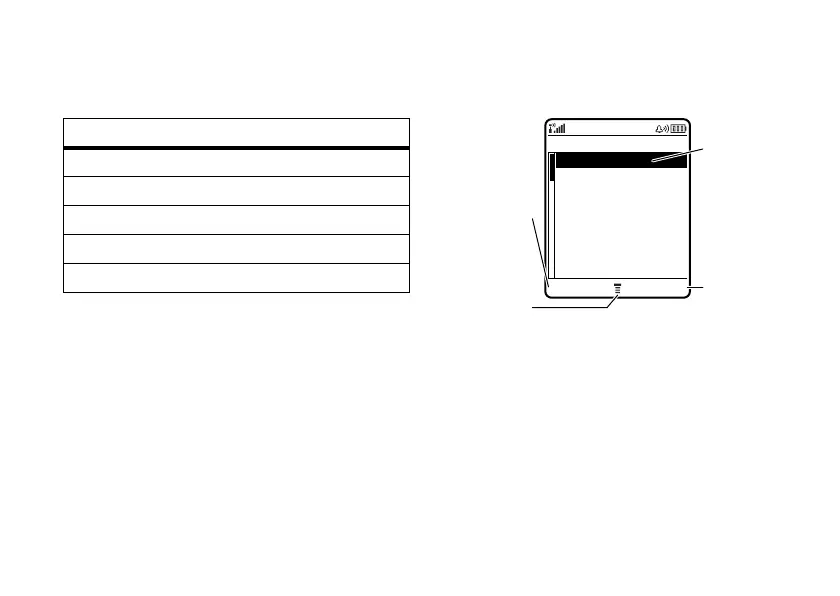
Some features require you to select an option
from a list:
•
Scroll up or down to highlight the
option you want.
•
In a numbered list, press a number key
to highlight an option.
menu features
ã IM 0 My Account
e Messaging h My MEdia
i iTunes n Address Book
V MEdia Net w Settings
$ MEdia Mall
Press the
VIEW
key
to see
details of
highlighted
option.
Press the
BACK
key to
go back to
previous
screen.
Highlighted
Option
Press
M
to open
sub-menu.
Dialed Calls
BACK VIEW
10) John Smith
9) Lisa Owens
8) Adda Thomas
7) Jack Bradshaw
6) Dave Thompson
5) Mary Smith
4) Carlo Emrys
3) Bob Adams












 To Next Page