34
basics
show the current soft key functions. For soft
key locations, see page 1.
Press
S
up, down, left, or right to open basic
menu features identified by the menu feature
icons in the home screen. (You can select
these menu features even when the icons are
hidden from view.) Press
h
to return to the
home screen.
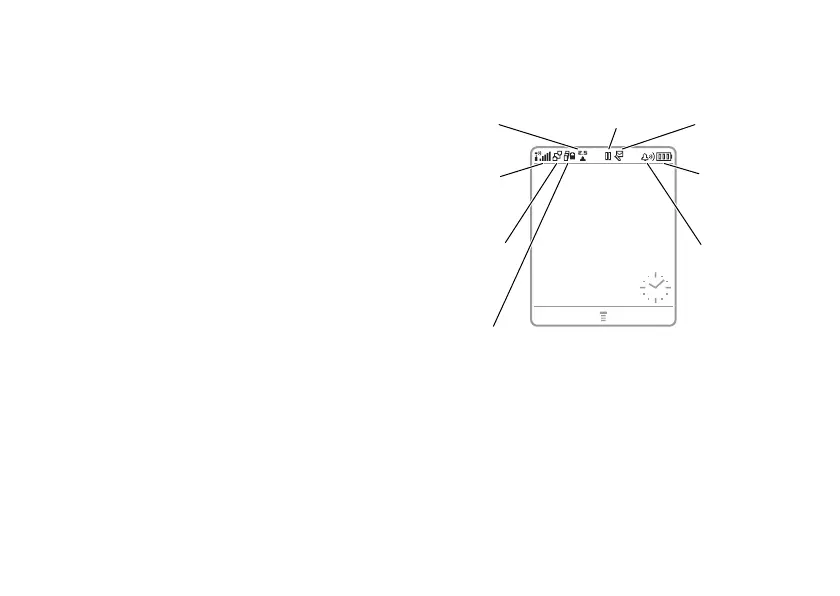
Status indicators can display at the top of the
home screen:
1 Data Indicator –
Shows connection
status. The Bluetooth
®
wireless
connection indicator
à
shows when a
Bluetooth connection is active. Other
indicators can include:
3.
Signal
Strength
7.
Battery
Level
2.
EDGE/
GPRS
8.
Audio
Style
1.
Data
5.
iTunes
6.
Message
4.
Roam
STYLES CAMERA
Service Provider
10/15/05












 To Next Page