101
Datebook
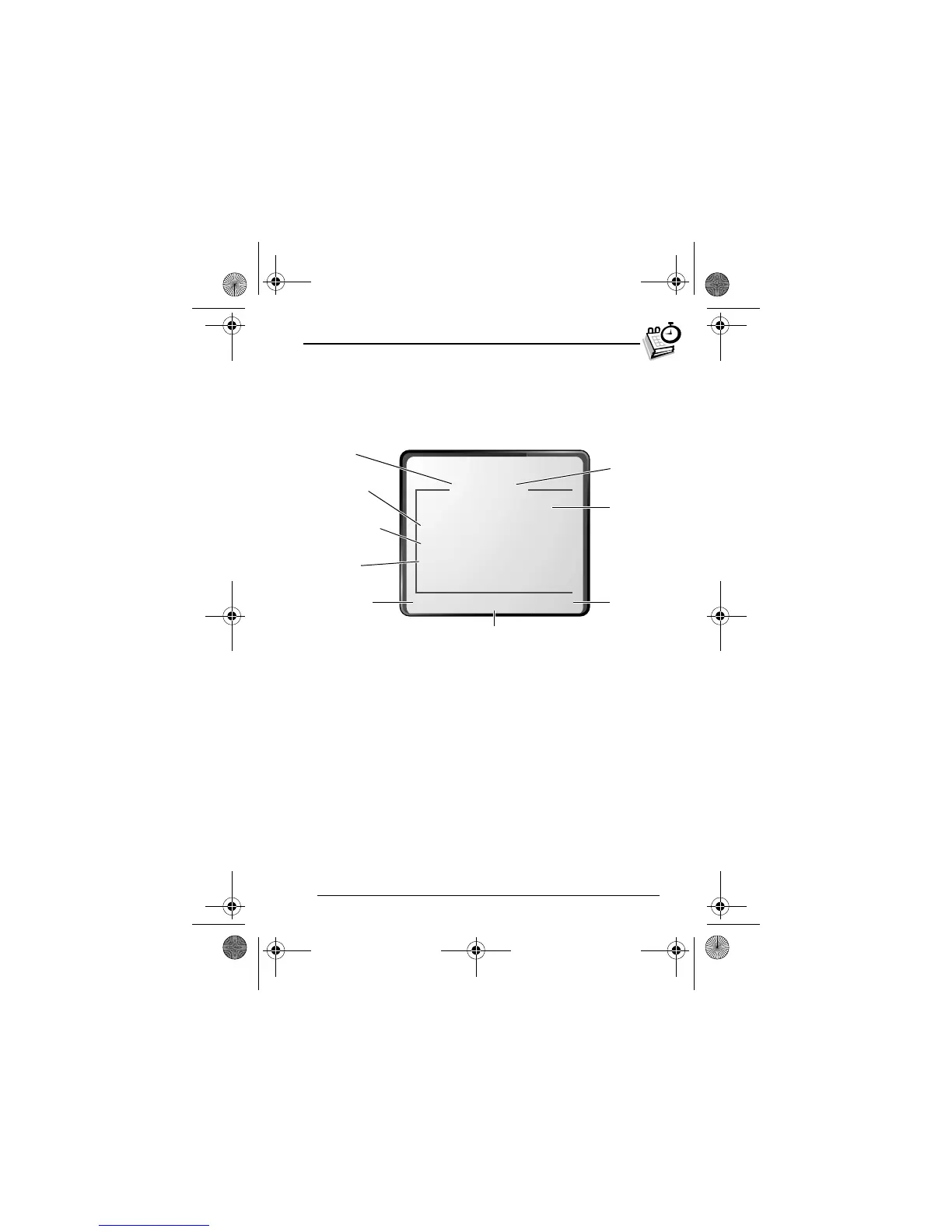
Event View
Select an event in the day view and press
(
(
+
) to open the
detailed event view. You can edit, copy, and delete events from
the event view.
Storing a New Event
A title is required for a datebook event. All other information is
optional.
See “Selecting a Feature Option” on page 51 for instructions on
scrolling to and selecting options.
Find the Feature
M
>
+
> day
M
>
!
1
,)
(
+
) select
A
67$
+:,;.
2
A
-;
#
e
Edit
event
Alarm
Duration
Event
details
Return to
previous
screen
Repeat
Day and
time
Alarm time
Press
M
to open
the
+$
User.Guide.GSM.book Page 101 Tuesday, February 5, 2002 6:17 PM










 To Next Page