99
Datebook
The datebook is a calendar that lets you schedule and organise
events such as appointments and meetings. You can review your
schedule of events for the week or by the day, and have the
datebook play a reminder alarm for specific events.
Note: You must set the correct time and date in order to use the
datebook. Use the
feature (see page 75) to set
the time and date.
To schedule or review events in the datebook:
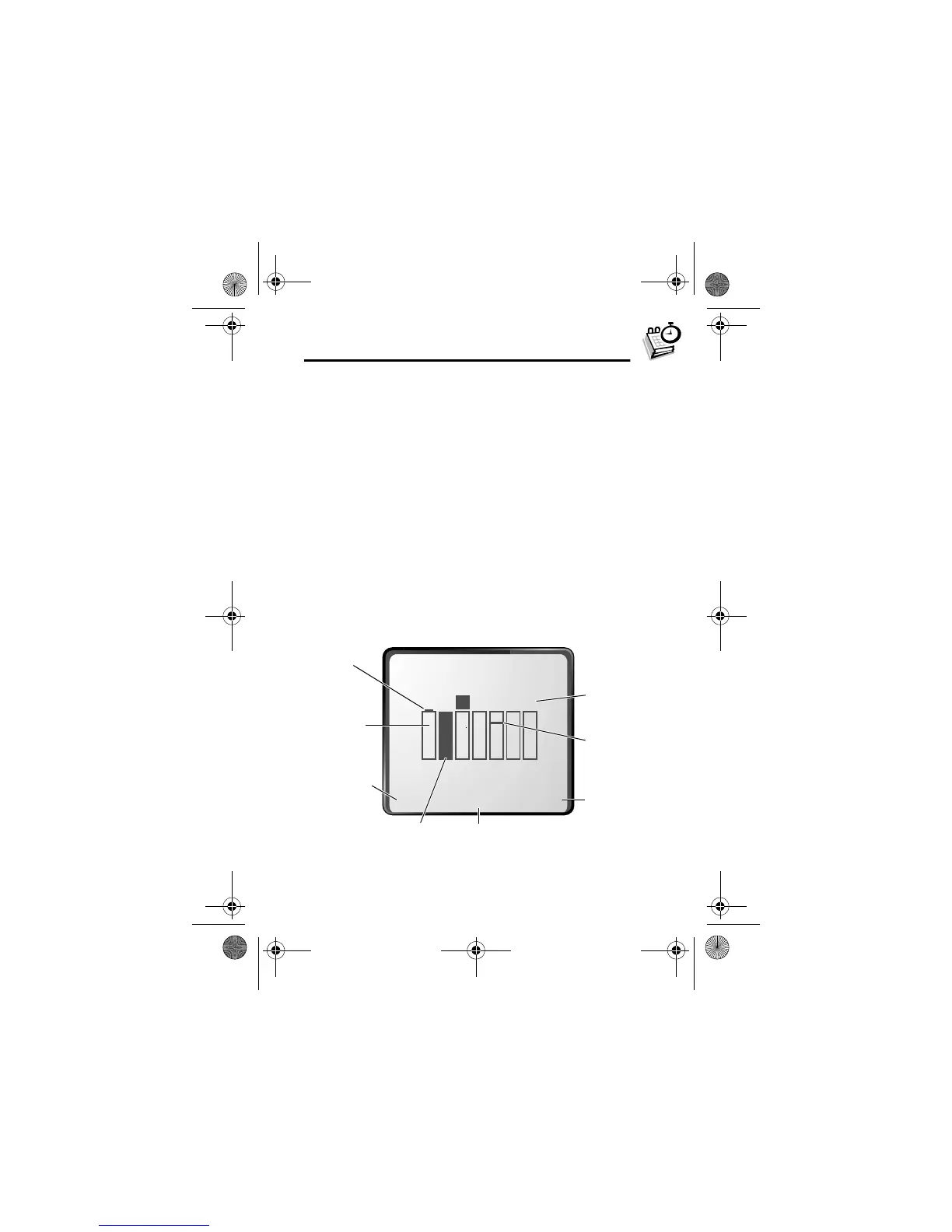
Week View
When you open the datebook, your phone displays a calendar
for the week. Lines or filled boxes under each day indicate that
events have been scheduled.
Find the Feature
M
>
+
{
'#*4&#*
}
+ )5
Go to
selected
day
One-hour
event
Days of week
(press
S
left or right
to select)
Full day (12-hour)
event scheduled
Press
M
to open
the
+$
e
Exit the
datebook
Untimed
event
12 hour
window
User.Guide.GSM.book Page 99 Tuesday, February 5, 2002 6:17 PM










 To Next Page