124
Voice Notes
Playing a Voice Note
To play a recorded voice note:
When an optional Motorola Original™ headset accessory or FM
Stereo Radio Headset accessory is connected to your phone,
voice note playback is automatically routed to the headset.
Tip: You can play a voice note while taking a call. It won’t be
transmitted to the other party.
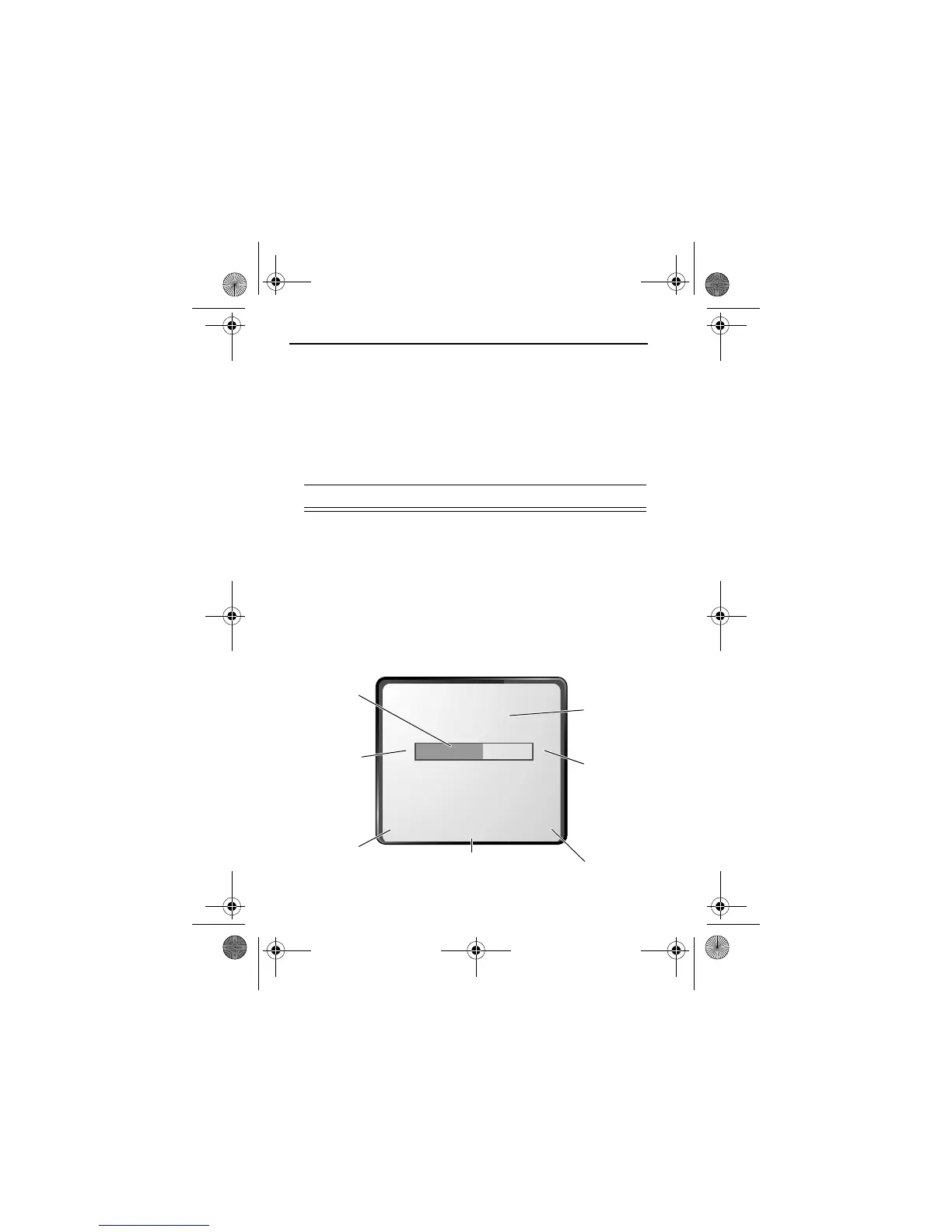
Playback Screen
While the voice note is playing, the playback screen is displayed.
Find the Feature
M
>
(
1
S
scroll to the voice note
2
-'
(
+
) play the voice note
*#0
{}
Indicates
% played.
Return to
previous
screen.
Voice
note
number.
Press
S
right to
fast
forward.
Erase
voice note.
e
Press
M
to open the
($
.
Press
S
left to
rewind.
User.Guide.GSM.book Page 124 Tuesday, February 5, 2002 6:17 PM










 To Next Page