EasyManua.ls Logo

Motorola T280 - Settings Menu

Motorola T280
187 pages
Print Icon
To Next Page IconTo Next Page
To Previous Page IconTo Previous Page
Loading...
4
✂
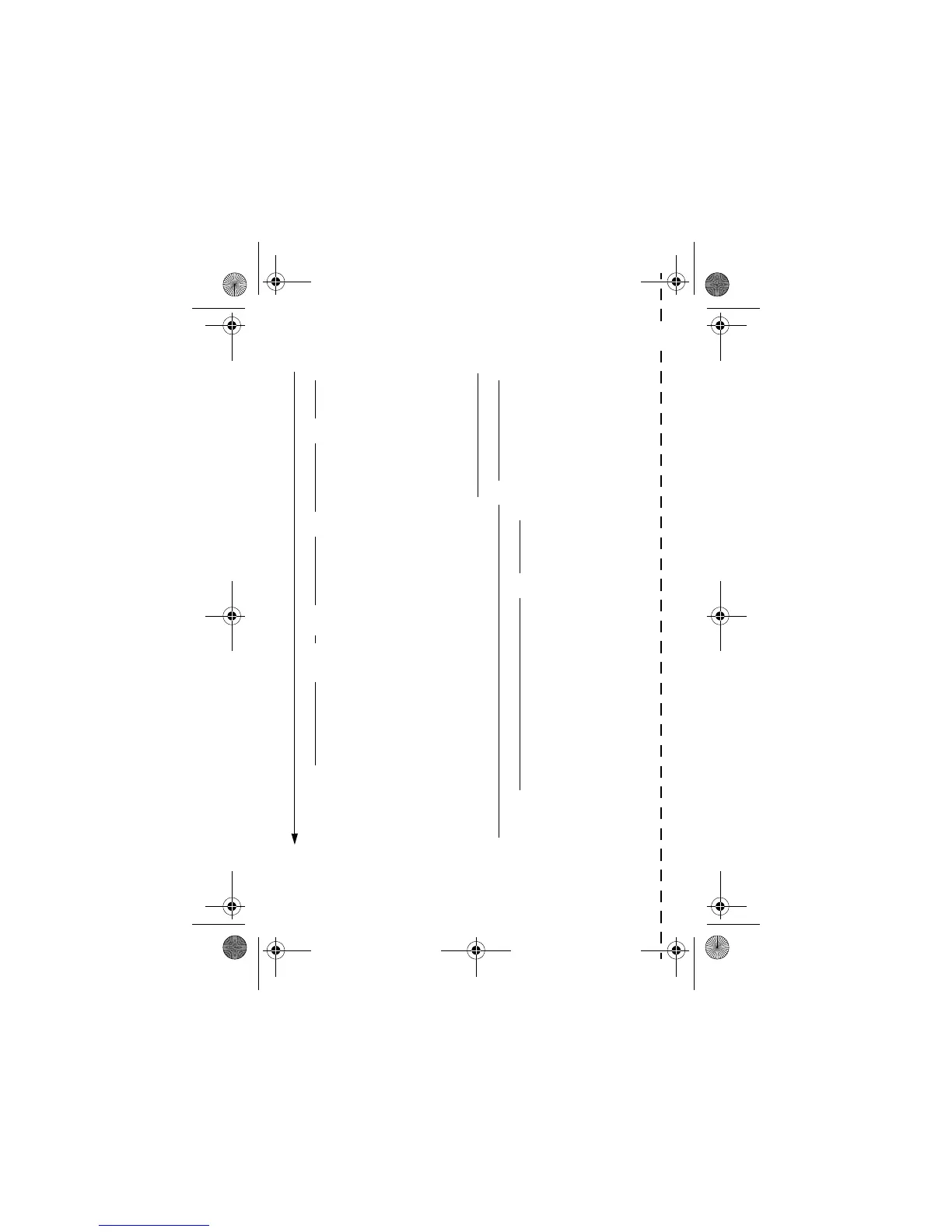
Settings Menu
•
Ring/Vibrate
•Alert
•
Alert
Detail
•My Tones
•
Call Divert
• Voice Calls
•Fax Calls
• Data Calls
•Cancel All
• Divert Status
•
Phone Status
•My Tel. Numbers
• Credit Info\Available
•Active Line
• Battery Meter
• Other information
•Connection
• IrDA Link
• Browser Setup
• In-Call Setup
• In-Call Timer
• Call Cost Setup
• My Caller ID
• Talk and Fax
• Answer Options
• Call Waiting
• Security
•Phone Lock
•Lock Keypad
• Lock Application
•Fixed Dial
• Call Barring
•SIM PIN
•New passwords
•
Other Settings
• Personalise
• Main Menu
•Keys
•Greeting
•Quick Dial
• Initial Setup
•Time and Date
•1-Touch Dial
• Auto Redial
• Backlight
•Zoom
•Scroll
•Animation
•Language
•Battery Save
• Contrast Setting
•DTMF
•Master Reset
•Master Clear
•Network
•Car Settings
• Headset
User.Guide.GSM.book Page 4 Tuesday, February 5, 2002 6:17 PM

Table of Contents