24
Getting Started
What’s in the Box?
Your digital wireless phone typically comes equipped with a
battery and a charger. Other accessory options can customise
your phone for maximum performance and portability.
Installing the SIM Card
Your SIM (Subscriber Identity Module) card contains your phone
number, service details, and phonebook/message memory. It is
stored in a recess in the battery compartment.
Caution: Do not bend or scratch your SIM card. Avoid exposing
your SIM card to static electricity, water, or dirt.
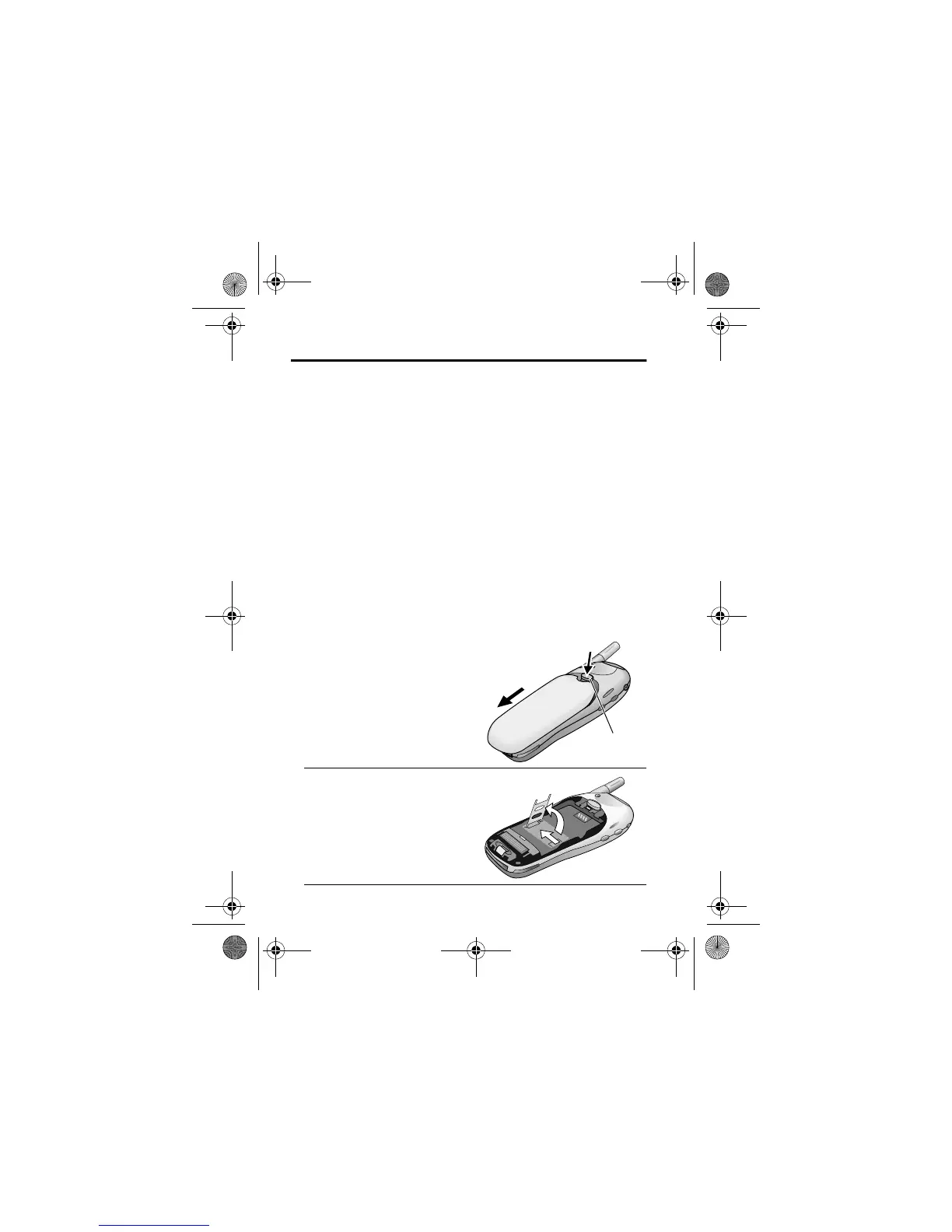
1
If the phone’s battery
door is already in place,
push down the battery
door release latch, then
slide the door down and
lift off.
2
Slide the SIM card door
to the left and lift open.
Release
latch
User.Guide.GSM.book Page 24 Tuesday, February 5, 2002 6:17 PM










 To Next Page