155
Data and Fax Calls
&$'%
Establish an Infrared Connection
Use the following procedure to connect your phone to an
external device using an infrared data link. You cannot use this
feature when a serial cable or USB cable is attached to your
phone. This phone is classified as a Class 1 LED product and is
considered safe under reasonable use.
Important: In order to create and maintain an infrared
connection, your phone must be within 30 centimetres of the
other device. Nothing can block the line of sight between the
two devices.
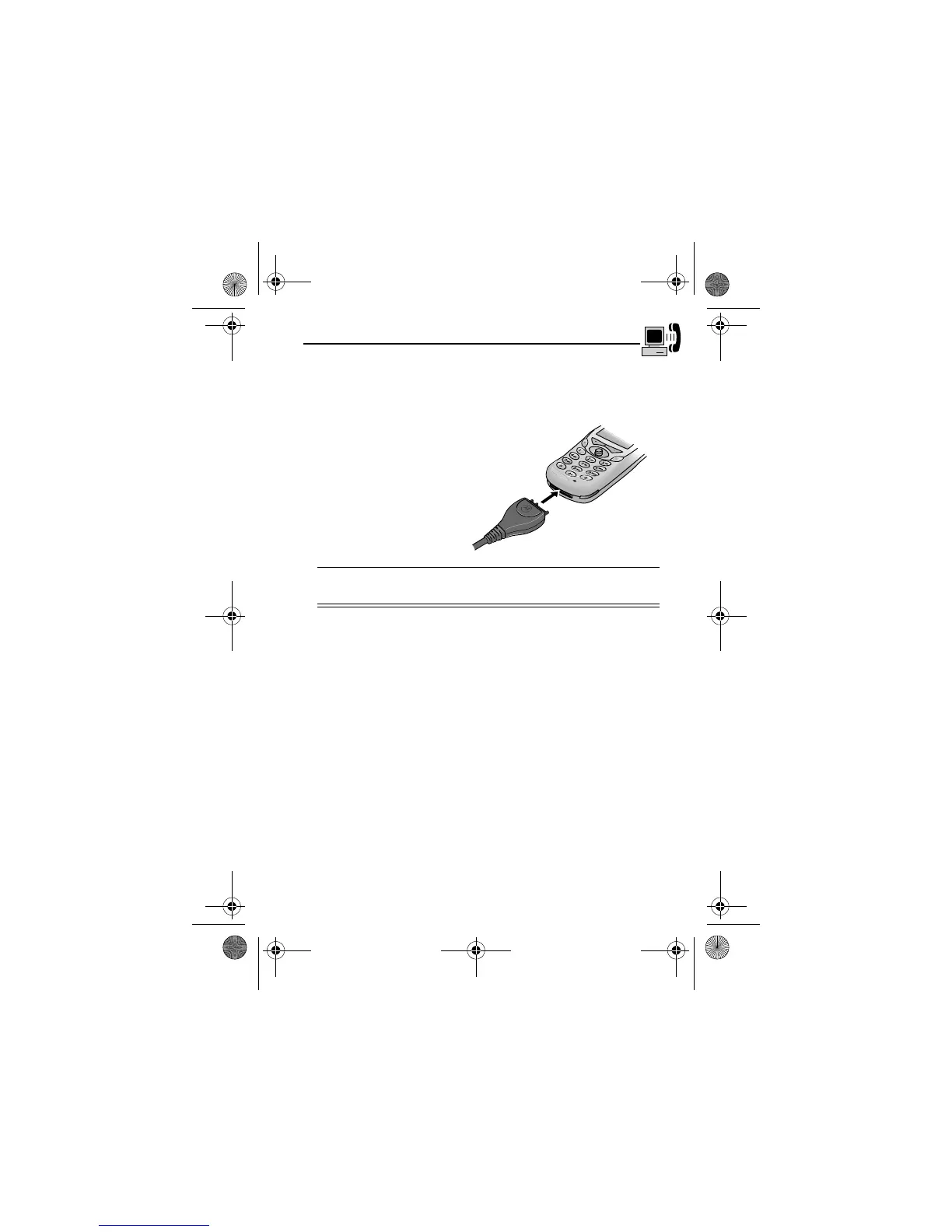
1
Plug the end of the
cable with the
Motorola logo into
the phone’s
accessory connector
port. Make sure that
the logo and the
phone are both
facing you.
2
Plug the other end - the USB connection - into the USB
port on the external device.
Find the Feature
M
>
>
>
User.Guide.GSM.book Page 155 Tuesday, February 5, 2002 6:17 PM










 To Next Page