45
Making and Receiving Calls
You can also call numbers using these features:
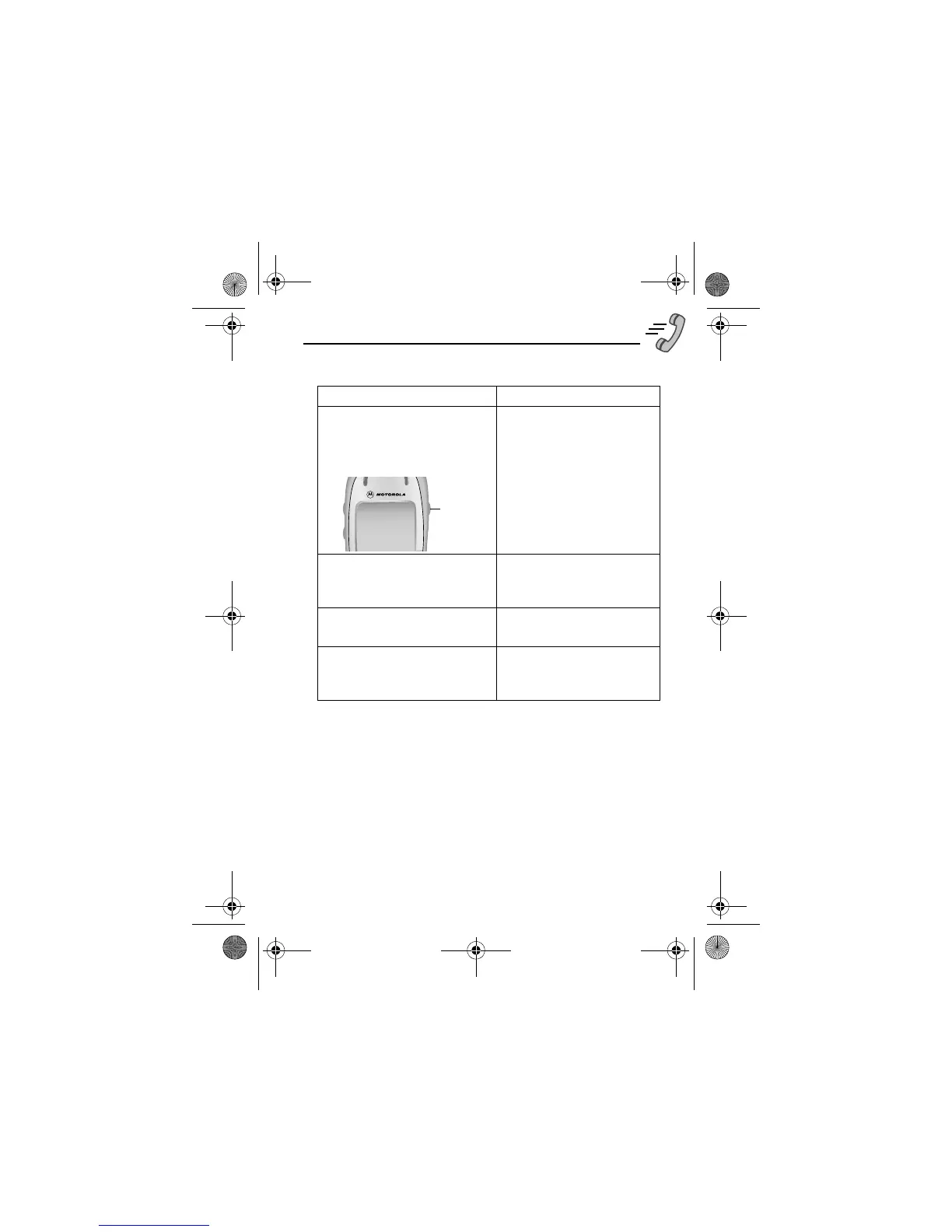
Press and release the voice key
on the right side of your phone
and say the entry’s name (in
two seconds).
a phone number using the
voice dial feature
See “Recording a Voice
Name For a Phonebook
Entry” on page 89.
Press
M
>
/
> entry to call
a service dial number
programmed on the SIM
card
Press M
>
#*
> entry to call
a fixed dial number
Press
M
>
>
/
or
> entry to call
a missed call or a number
from a call you recently
dialled or received
Voice
key
User.Guide.GSM.book Page 45 Tuesday, February 5, 2002 6:17 PM










 To Next Page