EN - 155
◆ Battery Information
Press the or (<0.5S) button to access the Battery Info menu, and then press the (<0.5S)
button to select confirm. Now press the or (<0.5S) button and select "Back” or “Next Page".
Then press the (<0.5S) button to confirm, now you can read the battery information.
Current temperature in degrees (°C)
Default Loader Status (%)
Maximum time in which no charge was made (Hr)
Last time in which no charge was made (Hr)
NOTE: If no data is detected, "--" is displayed.
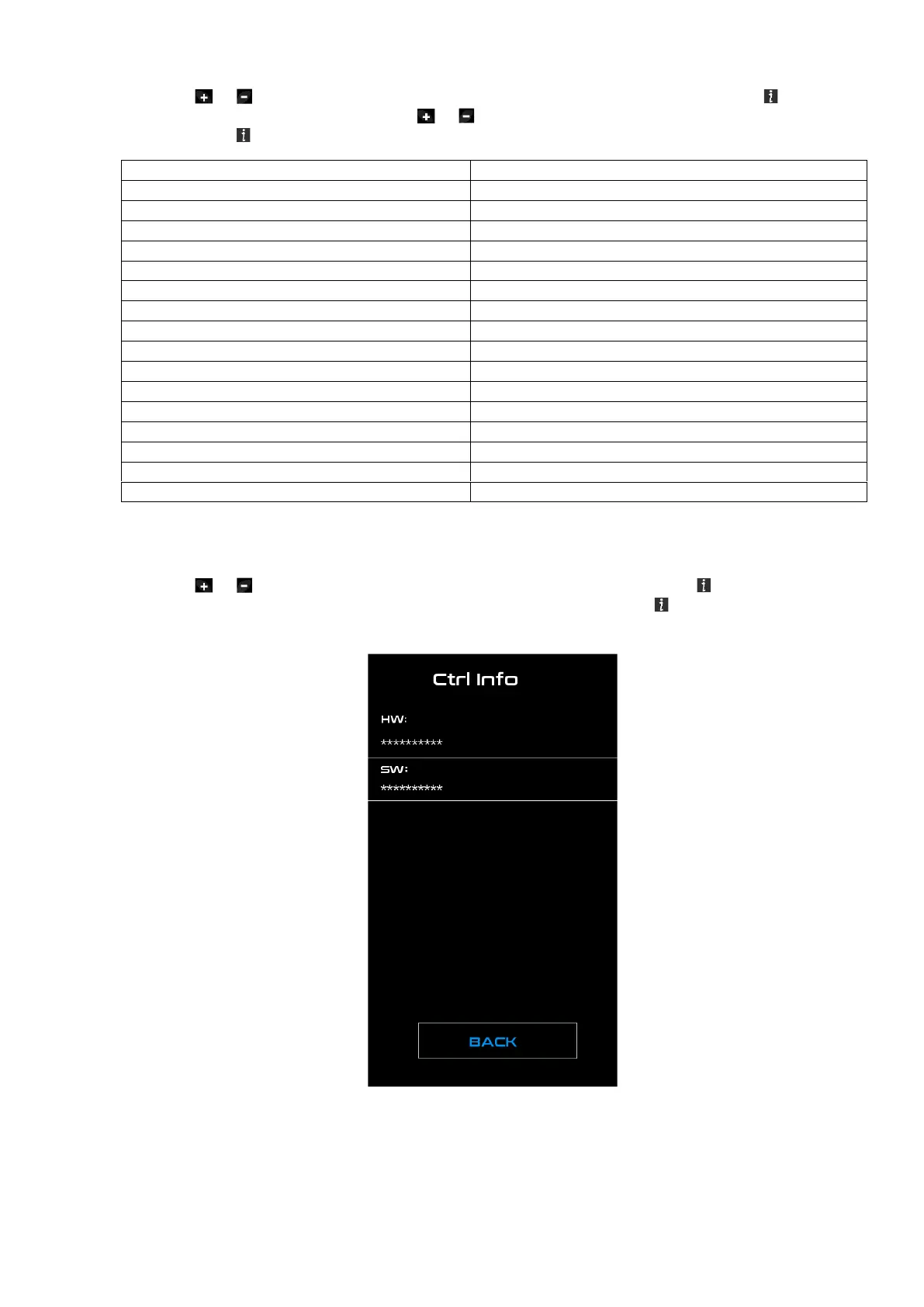
◆ Controller Information
Press the or (<0.5S) button and select "CTRL Info", and then press the (<0.5S) button to
confirm. Now you can read the controller information. To Exit press the (<0.5S) button, once
“EXIT” is highlighted to return to the information settings.



 To Next Page