EN - 156
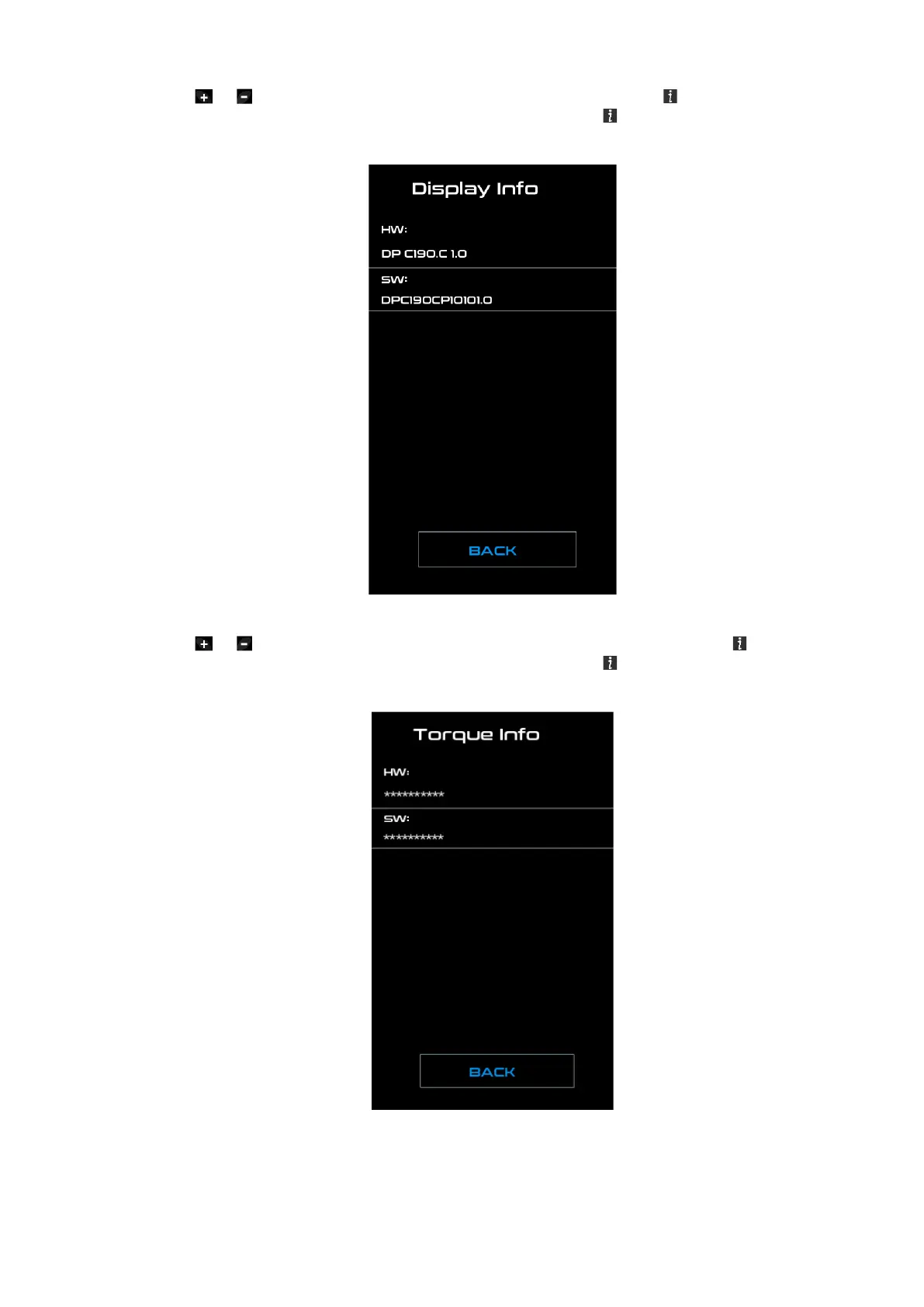
◆ Display Information
Press the or (<0.5S) button and select Display Info, then press the (<0.5S) button to read
the software and hardware data in the display. To Exit press the (<0.5S) button, once “EXIT” is
highlighted to return to the information settings.
◆ Torque Information
Press the or (<0.5S) button and select “Torque info”, then press the (<0.5S) button to read
the software and hardware data in the display. To Exit press the (<0.5S) button, once “EXIT” is
highlighted to return to the information settings.



 To Next Page