Corporate Headquarters: 1080 North 11th Street, San Jose, CA 95112 Phone: (408) 292-2214 Fax: (408) 292-2733
www.etorque.com
Page 31
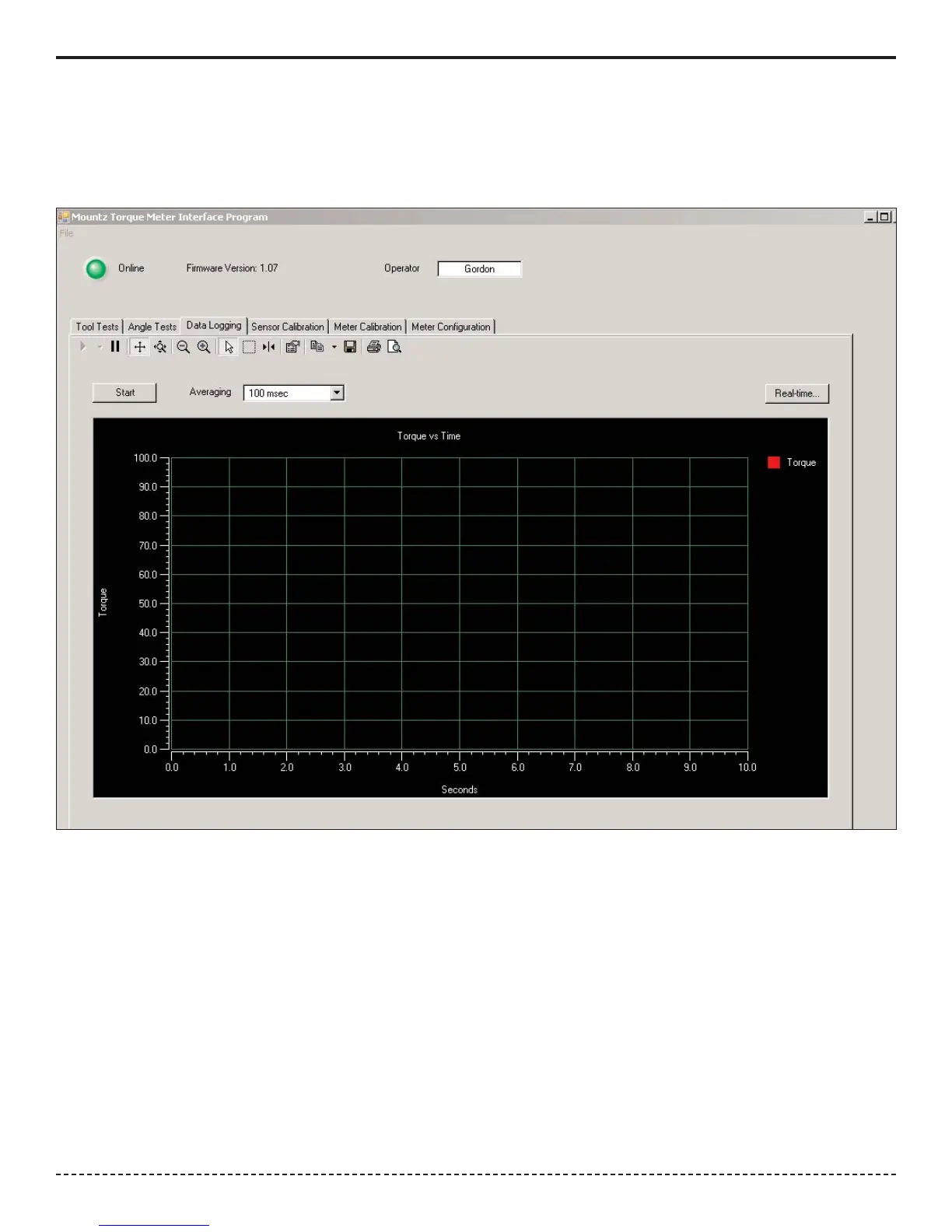
The Real-Time button on the Data Logging screen allows a user to connect the PTT to a PC and get readings sent to the
PC, in Real-Time, which can be printed to a printer or saved as an Excel Spread Sheet. The screen reading is sent from
the PTT when Auto clear takes place or when Enter is pressed if the meter is in Manual Clear mode.
Open the Torque Meter Interface program and choose the Data Logging Screen.


 To Next Page