Corporate Headquarters: 1080 North 11th Street, San Jose, CA 95112 Phone: (408) 292-2214 Fax: (408) 292-2733
www.etorque.com
Page 34
Torque Meter Bootloader
This program is used to update the code in the PTT unit. This program does not automatically install as the Interface
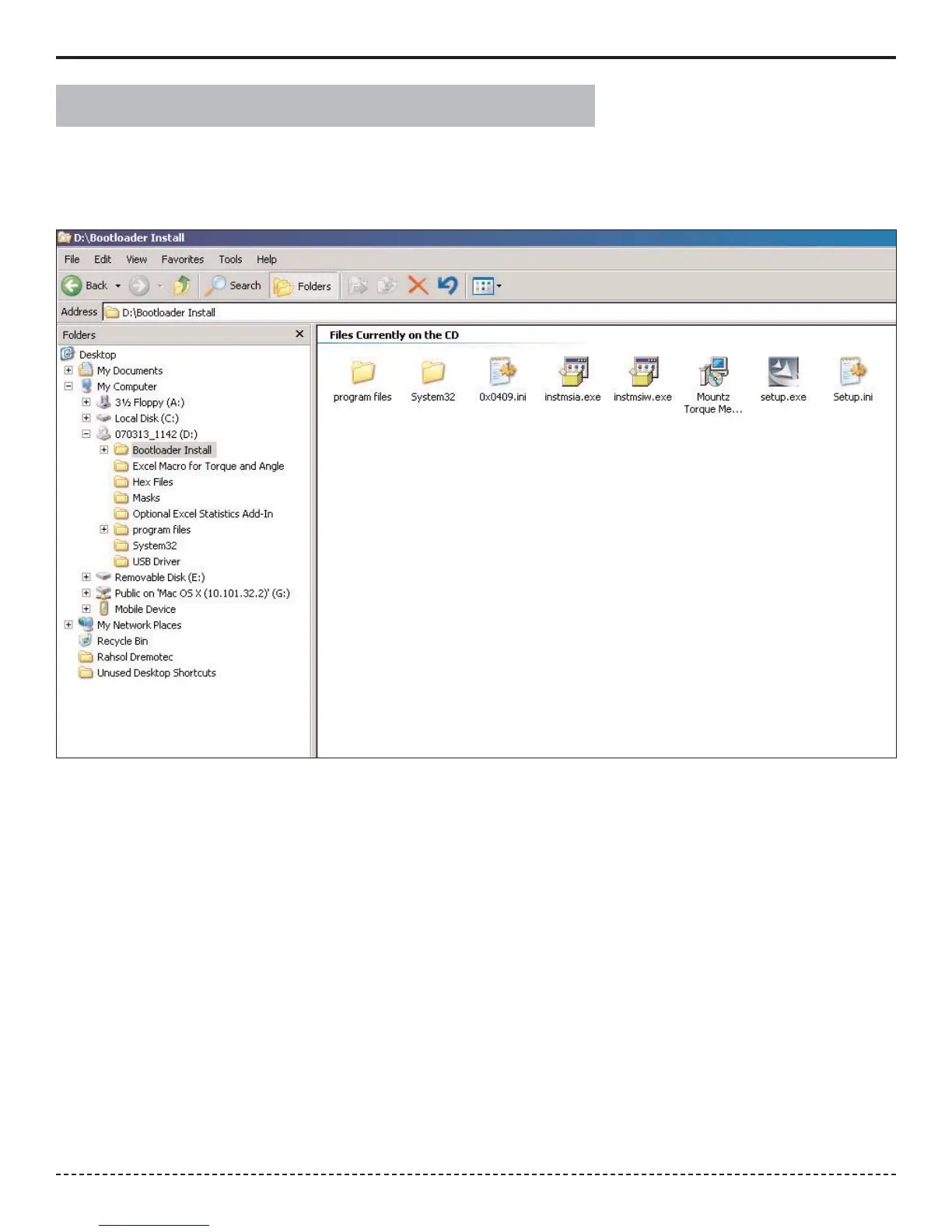
Program does. The following assumes the operator has the supplied CD in the D: drive. Locate the
Bootloader Install folder on your computer as shown below.
Open the Bootloader Install Folder and run the Setup.exe file by right clicking on it and choosing "Open". The Installation
Program will automatically put a "Torque Meter Bootloader" Icon on your desktop.


 To Next Page