Corporate Headquarters: 1080 North 11th Street, San Jose, CA 95112 Phone: (408) 292-2214 Fax: (408) 292-2733
www.etorque.com
Page 6
Reading Screen
Track 3000 Hz
+0.0000
Lbf.in
Menu Tool Tests
Menu Selections
Pressing the "Menu" Key will present the following Screen:
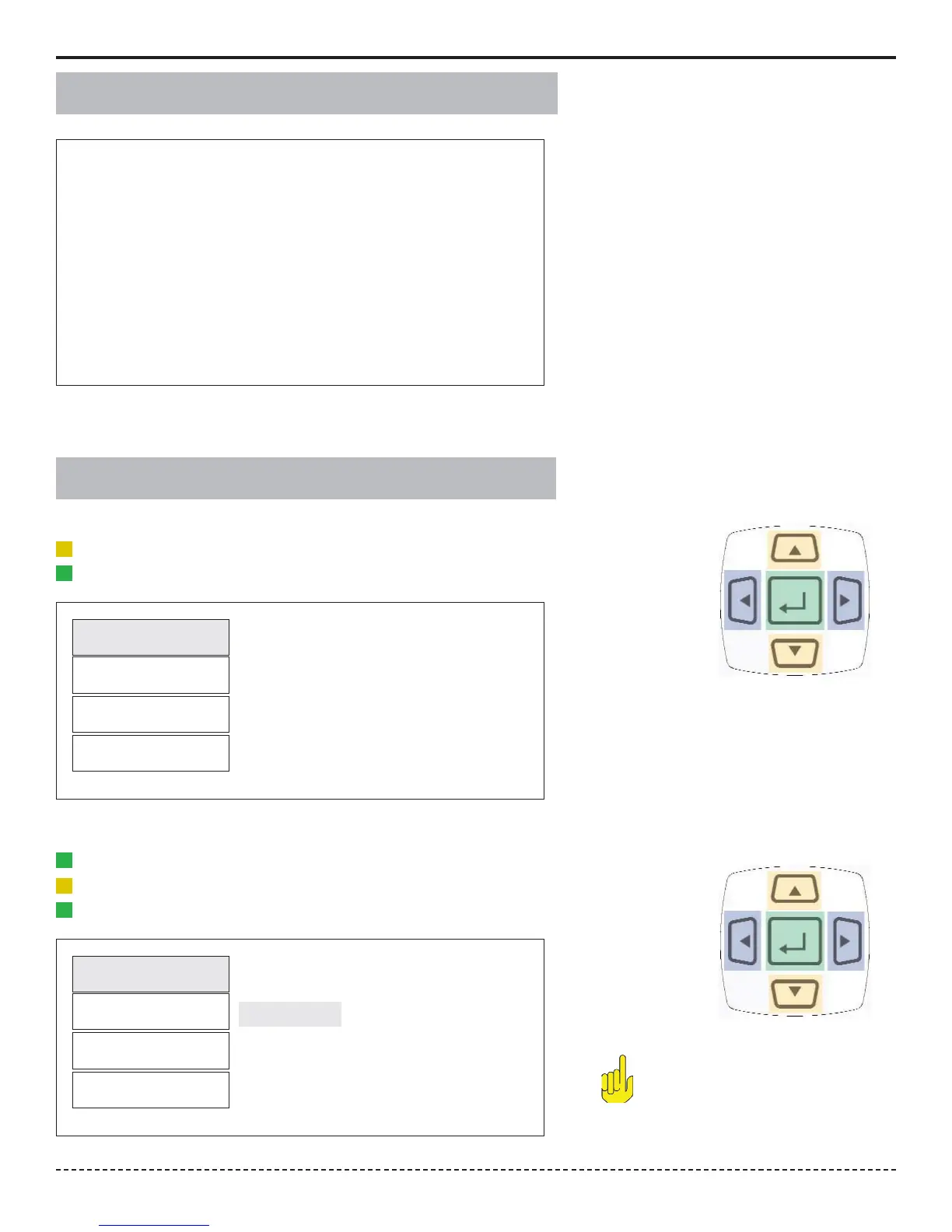
1. Use the Scroll Up or Down key to toggle through:Filter, Units, Mode and Setup.
2. Press Enter key to select a choice.
Filter
Units
Mode
Setup
1. Select Filter by highlighting and pressing Enter.
2. Use the Scroll Up or Down key to toggle through the Filter options.
3. Press Enter key to select a Filter Setting.
Filter
Units
Mode
Setup
3000 Hz
2000 Hz
1500 Hz
500 Hz
200 Hz
Selecting Filters
Main
Main Cancel
Note:
Not applicable for Force & Load
Sensors.


 To Next Page