NPort 5000 Series User Manual
9. macOS TTY Drivers
Basic Procedures
To map an NPort 5000 serial port to a Mac host’s tty port, follow these instructions:
1. Set up the NPort 5000. Verify the IP configuration works by using ping, telnet, etc.
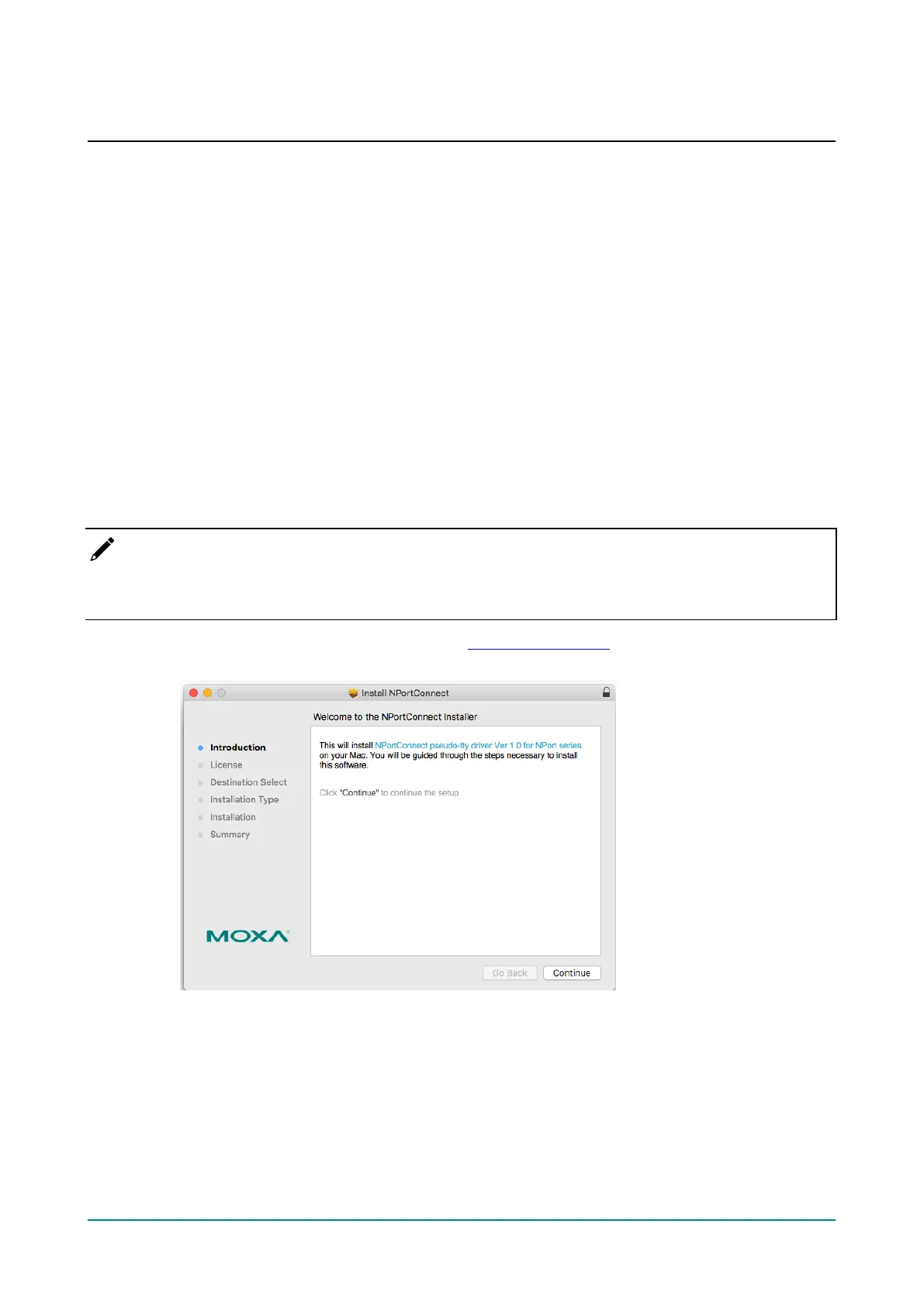
2. Install the Mac driver files on the host.
3. Search or manually input the IP address of the NPort to set up virtual COM port.
Hardware Setup
Before proceeding with the software installation, make sure you have completed the hardware installation.
Please note the default IP address for the NPort 5000 is 192.168.127.254.
Installing macOS TTY Driver Files
NOTE
For the newest information, please refer to readme.txt on Mac TTY Driver. Resources location of product
information, release note, and readme file: /usr/local/share/NPortConnect
1. Obtain the driver file from Moxa’s website, at http://www.moxa.com. You may find it in the Resource
section under your product page.



 To Next Page
 Loading...









