NPort 5000 Series User Manual
Web Interface for the Overall NPort 5000 Series
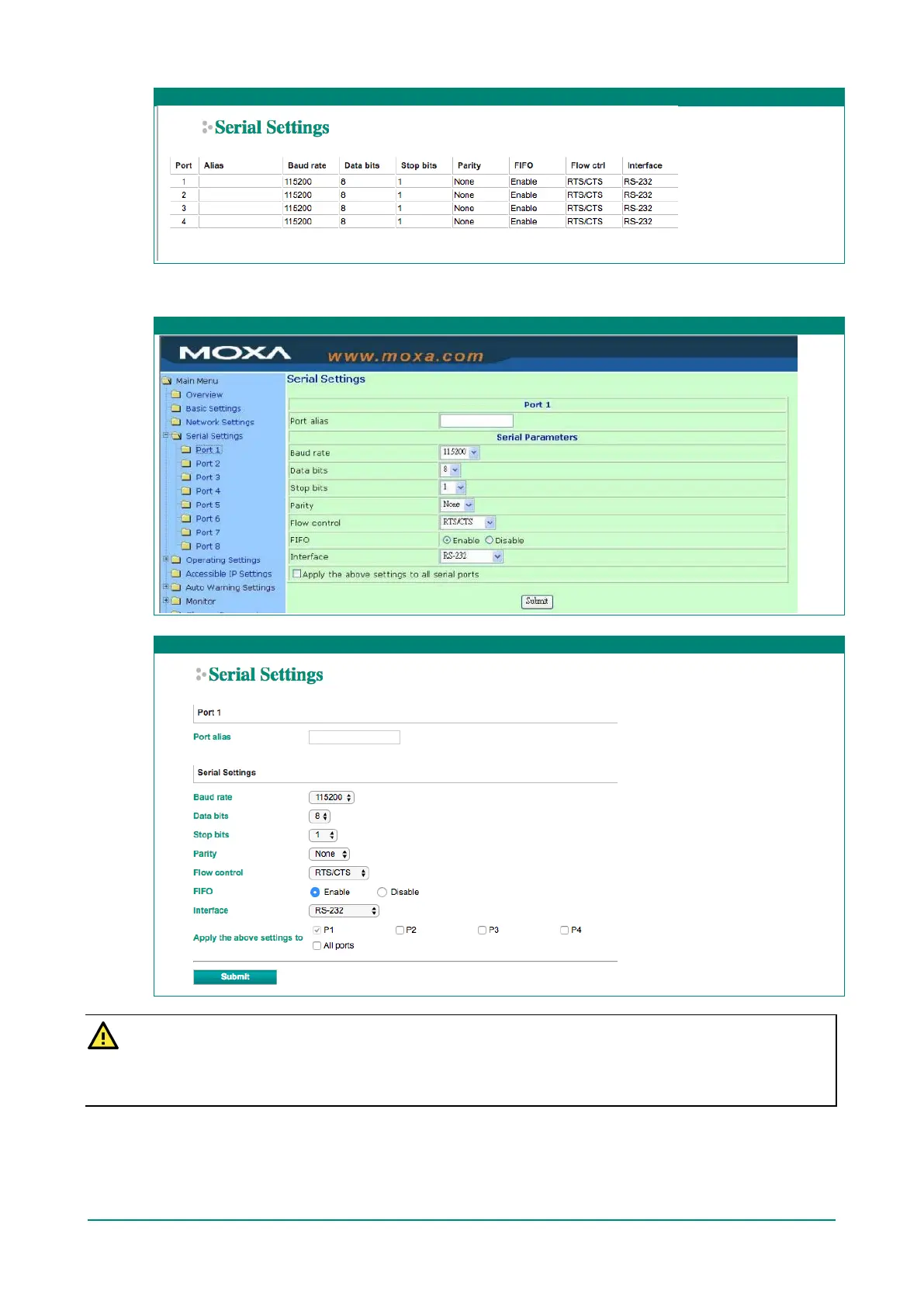
To modify serial settings for a particular port, click on the Port Number under Serial Settings, located
under Main Menu on the left side of the browser window.
Web Interface for the NPort 5100, 5200, and IA5000 Series Only
Web Interface for the Overall NPort 5000 Series
ATTENTION
It is critical that the device port’s serial communication settings match the attached device. Refer to the
user’s manual for your serial device for the correct serial communication settings.


 To Next Page
 Loading...









