NPort 5000 Series User Manual
5. If you select Dumb Terminal as the terminal type, some of the console functions—especially the
Monitor function—may not work properly.
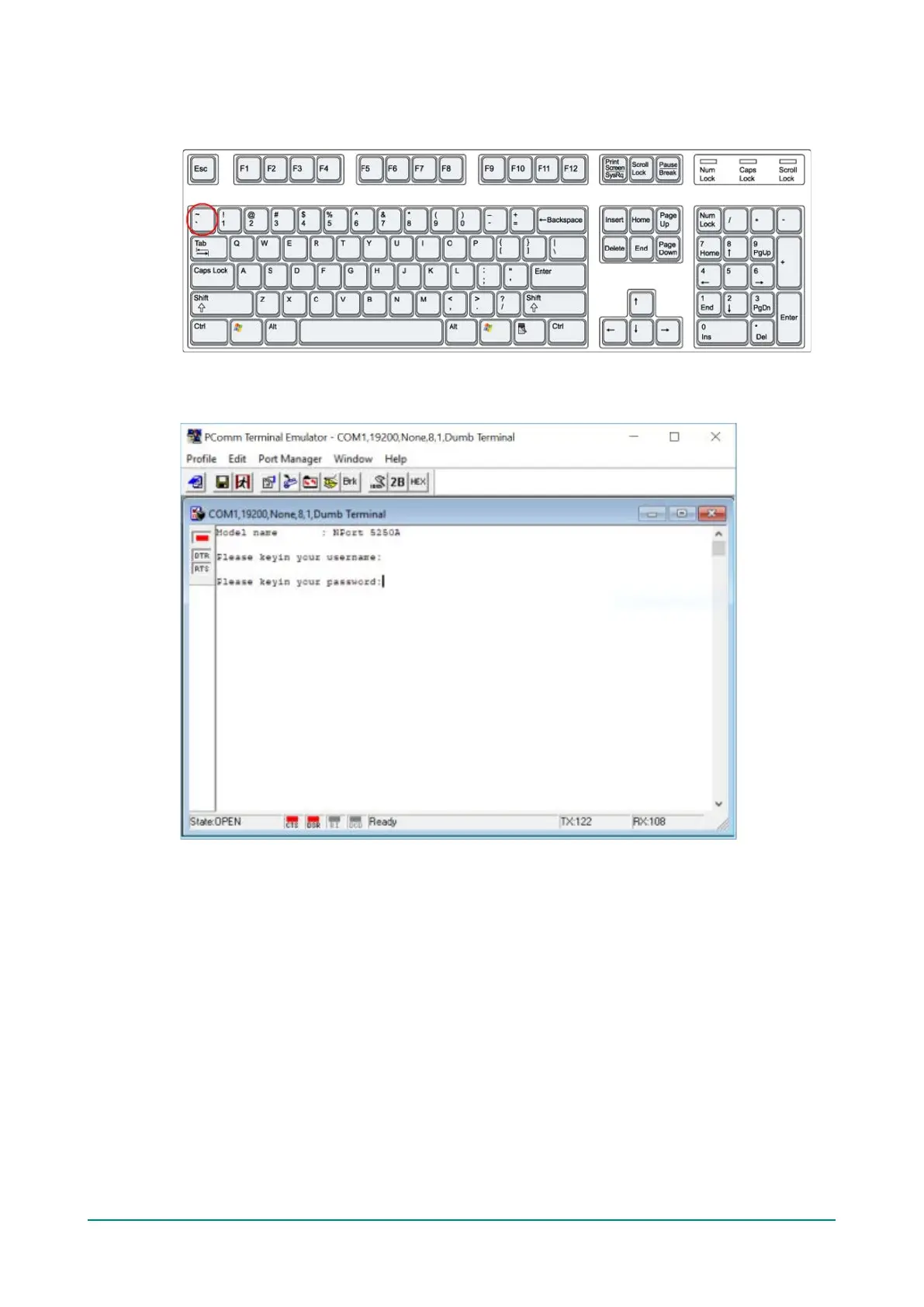
6. Press the “ ` ” key continuously and then power on the NPort.
7. The NPort will automatically switch from data mode to console mode as it receives a continuous string
of “ ` ” characters.
8. The default username is admin, and the password is moxa.



 To Next Page
 Loading...









