11
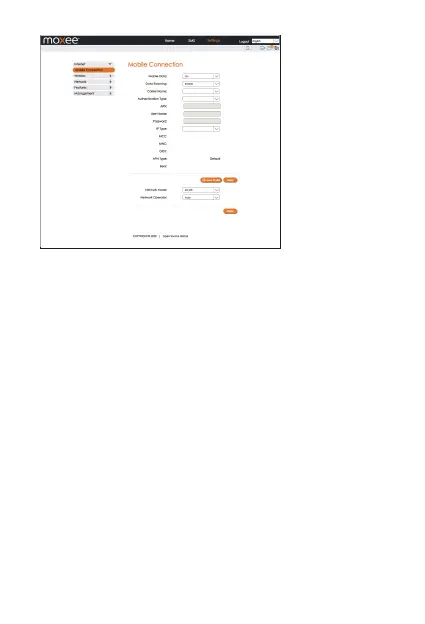
• Mobile Data: To Enable/Disable Mobile connection
•
Data Roaming: To Enable/Disable Roaming connection
•
Carrier Name: APN Profile Name
•
Network Mode: 4G-LTE
•
Network Operator: Auto/Manual, it is suggested to select “Auto”
Wireless
• WLAN Settings
In this menu, you can configure the Wi-Fi settings for your hotspot
device.
You can change the Wi-Fi SSID and password in this section, after
updating your settings click “Apply”.
Note: Any changes made in this section may require you to reconnect
to Wi-Fi.
2.4GHz is for 802.11 b/g/n
5GHz is for 802.11 a/ac/n


 To Next Page