DEVICE CONFIGURATION
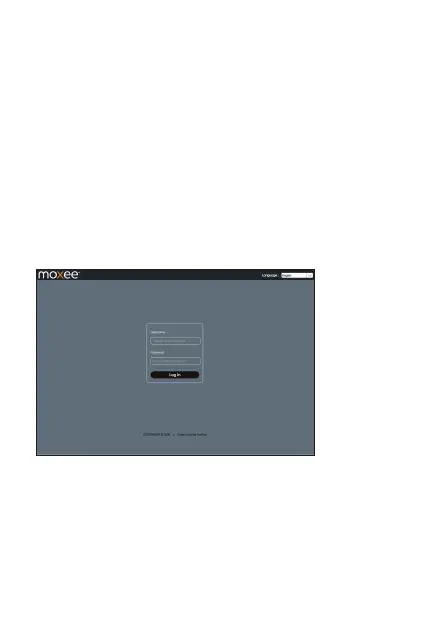
Log in to your Device
To configure your device, open a web browser on your terminal and
input the default URL:
3.The default user name is: admin.
The default password is: 12$ followed by the last 3 digits of the
1. Make sure to connect your terminal (e.g. tablet, PC, etc.) to the
hotspot via Wi-Fi or MicroUSB cable.
2. Log in to http://192.168.1.1 or http://device.WebUI in your browser.
8
device IMEI (for example: 12$123).
It is suggested to change the default login and password of the
WebUI to prevent unauthorized users from changing the hotspot’s
settings.
Congratulations! You have successfully logged in to your hotspot.
Once you have logged in to your hotspot via your web browser,
you can see the Home page for the hotspot.


 To Next Page