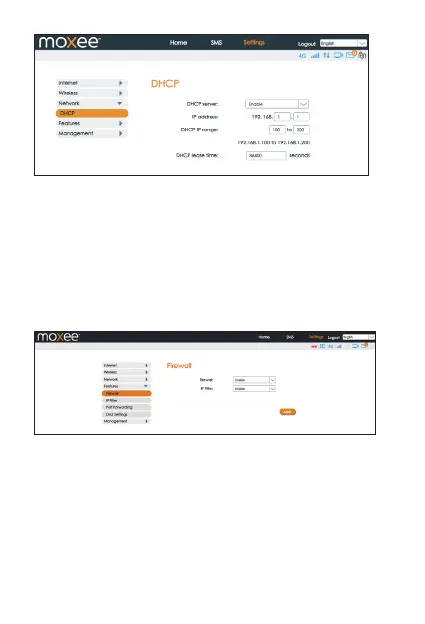
14
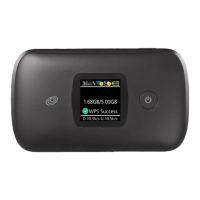
• Firewall
Your hotspot’s high-performance firewall feature continuously
monitors internet trac, protecting your network and connected
devices from malicious internet attacks. In this section you can
“Enable” or “Disable” the Firewall/IP Filter settings.
Note: In order to enable the IP Filter, the Firewall setting must be set to
• IP Filter
You can filter the packages by IP address, Protocol or Port number.
IP Filtering’s settings includes LAN IP address, LAN port, WAN IP
address, WAN port and Protocol functions.
• Whitelist: Set websites that users are allowed to access.
If the whitelist is empty, users will not be able to access the
Internet.
• Blacklist: Set websites that you do not want users to access.
“Enable” first.
Features


 To Next Page