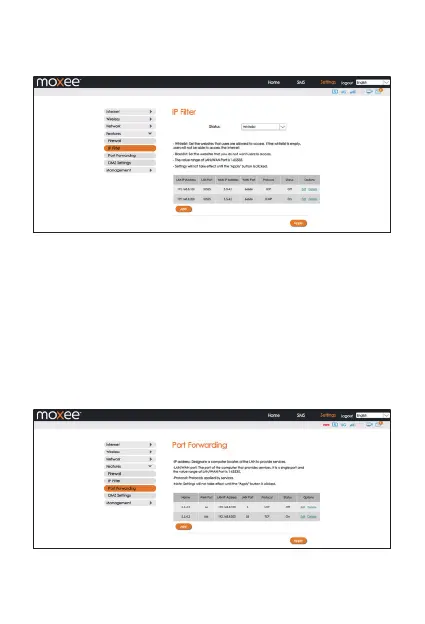
• The value range of the LAN/ WAN Port is 1-65535.
• Settings will not take eect until the “Apply” button is clicked.
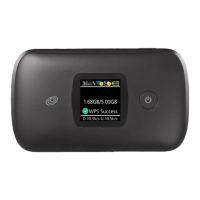
• Port Forwarding
In this section you can enable external computers to access FTP or
other services provided by the LAN.
• IP address: Assigned to each device connected to a computer
network that uses the Internet Protocol for communication.
• LAN/WAN port: The part of the computer that provides services.
It is a single part, and the value range of LAN/WAN Port is
1-65535.
• Protocol: Protocols applied by services.
Example: How to set up Port Forwarding for port 21 (FTP server)
15


 To Next Page