GB - 16
4. 3. Settings
UsethisitemtochooseyourindividualsettingsfortheBlueCompact.
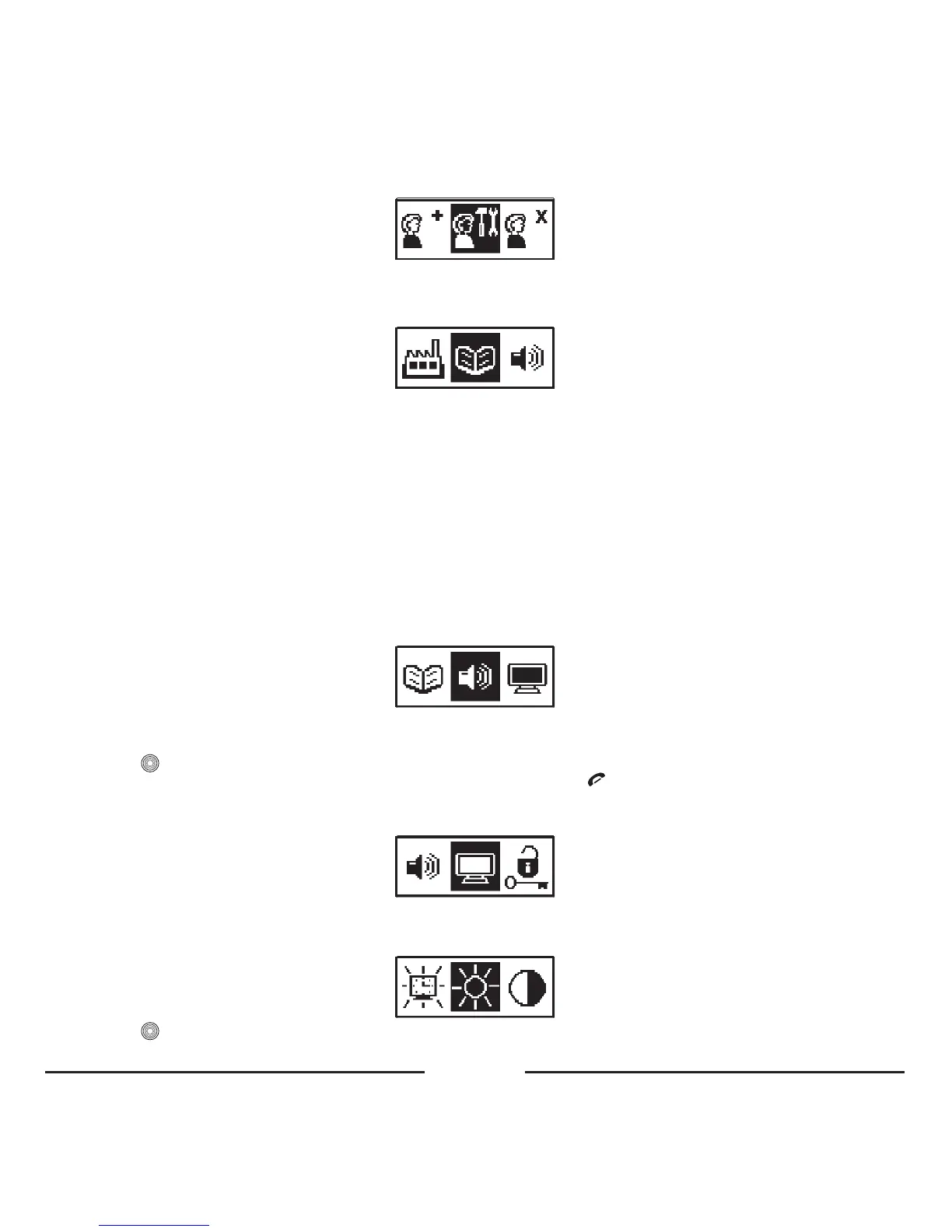
4. 3. 1. Phonebook
4. 3. 1. 1. Copy
UsethisitemtocopythephonebookofyourphonetotheBlueCompactphonebook.Themaximumnumberofphonebook
recordsis1000foreachprofile.
Formoreinformationonphonebookcopy,pleasereadchapter“
2. Phonebook”.
4. 3. 1. 2. Open
Usethisitemtoviewthephonebookrecords.
4. 3. 1. 3. Delete
Usethisitemtodeleteallthephonebookrecords.
4. 3. 1. 4. Receive Business card
Formoreinformationonreceivingbusinesscards,pleasereadchapter“2.4 Send business cards from the phone to the carkit”.
4. 3. 2. Volume control
ThisitemisusedforsettingthedesiredvolumeofthespeakeroftheBlueCompactinTalkmodeandthevolumeofthe
incomingcallringer.
• Press
toopenthemenu.
• Turnthecentralbuttontotheleftortherighttosetthevolumeandpress
toexitthemenu.Thevolumesettinghas
nowbeensaved.
4. 3. 3. Display settings
4. 3. 3. 1. Brightness
Choosethismenuitemforsettingthebrightnessofthedisplaybacklight.
• Press toopenthemenu.









 To Next Page