GB - 17
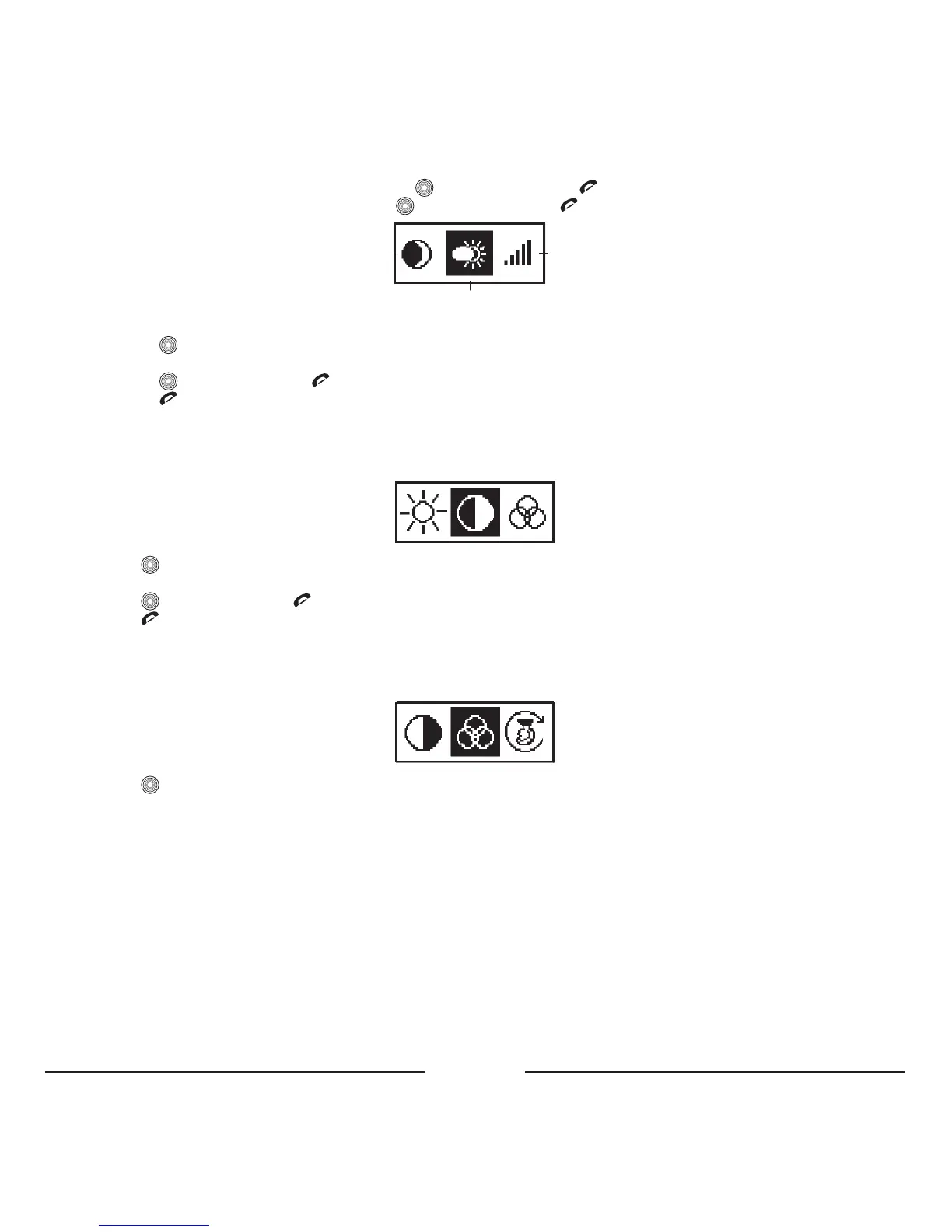
• Choose“Day”forthebrightestbacklight:press toconfirmandpress toexitthemenu.
• Choose“Night”foradarkerbacklight:press toconfirmandpress toexitthemenu.
Night
Day
Custom
• Choose“Custom”ifyouwanttotunethebrightness:
– Press toenterthesubmenu.
– Turnthecentralbuttontotheleftortherighttochoosethedesirablebrightness.
– Press toconfirmorpress torestoretheprevioussettingofthebrightness.
– Press toexitthemenu.
Thecustomsettingofbrightnesshas16levels.Level0switchesthebacklightoff,level15isthemaximum.
4. 3. 3. 2. Contrast
Usethismenuitemforsettingthecontrastofthedisplay.
• Press toopenthemenu.
• Turnthecentralbuttontotheleftortherighttosetthedesirablecontrast.
• Press toconfirmorpress torestoretheprevioussettingofthecontrast.
• Press toexitthemenu.
Thecontrasthas16levels.Level0istheminimum,level15isthemaximum.
4. 3. 3. 3. Color
Choosethismenuitemforsettingthecolorofthedisplaybacklight.
• Press toopenthemenu.
• Chooseoneoftheavailablecolors:
1.Red
2.Magenta
3.Orange
4.Yellow
5.Green
6.Cyan
7.Blue
8.White
9.Custom
• Choosethemenuitem“Custom”totunethecolorofthebacklightsmoothly.









 To Next Page