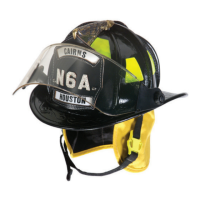
MSA Cairns Fire Helmets24
US
6 Leather Repairs (MSA Cairns Fire Helmet Models N5A and N6A)
WARNING!
Repair, alteration, or replacement of parts for an MSA Cairns Leather Fire Helmet by an unauthorized
repair facility can result in voidance of the warranty.
Do not disassemble MSA Cairns Leather Fire Helmets. Send the Cairns Leather Fire Helmets to MSA
Jacksonville Plant, 352 White Street, Jacksonville, NC 28546 for the following repairs:
• Repaint (excluding minor touch-ups)
• Replace/add ear cover
• Replace/add impact cap (for fire helmets manufactured from 1985 to present)
• Replace/add front holder
• Replace/add suspension system
• Replace/add ratchet (for fire helmets manufactured from 1985 to present)
• Replace/add D-ring
• Replace/add faceshield/hardware
• Replace/add chinstrap
7 Upgrade to Defender Visor
7.1 Models 1010 and 1044 with Black Impact Cap
To upgrade the MSA Cairns Models 1010 and 1044 fire helmet with a black impact cap to a Defender
visor, slide each quick-connect mechanism down into each slot. The quick-connect mechanisms will
click into place when they are fully engaged.
7.2 Models 1010 and 1044 with Grey Impact Cap
To upgrade the MSA Cairns Models 1010 and 1044 fire helmet with a grey impact cap to a Defender
visor, do the following:
(1) Purchase a black impact cap for MSA Cairns Models 1010 and 1044.
(2) Turn the fire helmet upside down.
(3) Remove the ear cover.
(4) If applicable, use a Phillips-head screwdriver to remove the goggle clips or faceshield brackets,
then remove the goggles and/or faceshield.
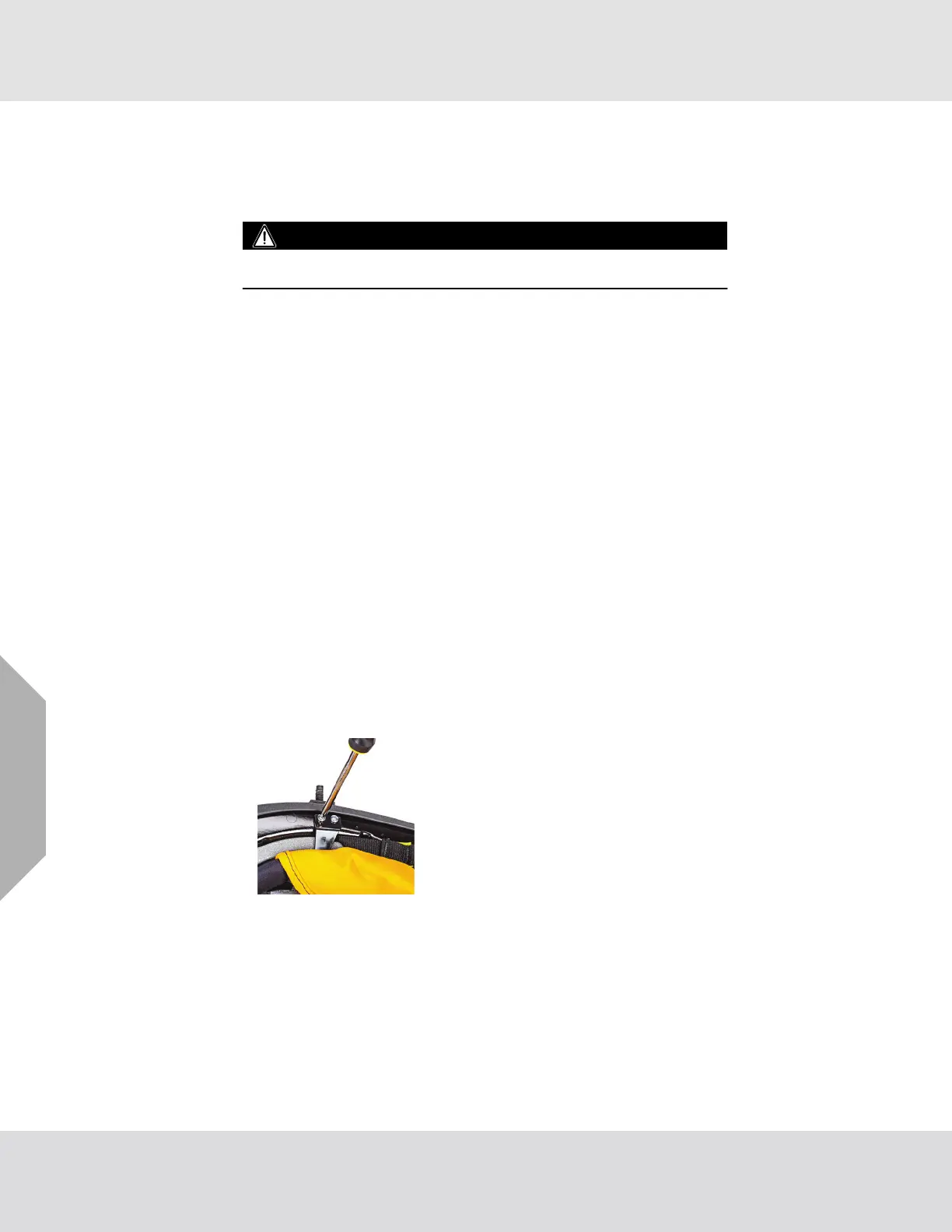
(5) Use a Phillips-head screwdriver to remove the four
screws that attach the right and left breakaway tabs,
washers, and cap nuts to the shell.
(6) Remove the grey impact cap assembly from the shell.


 To Next Page