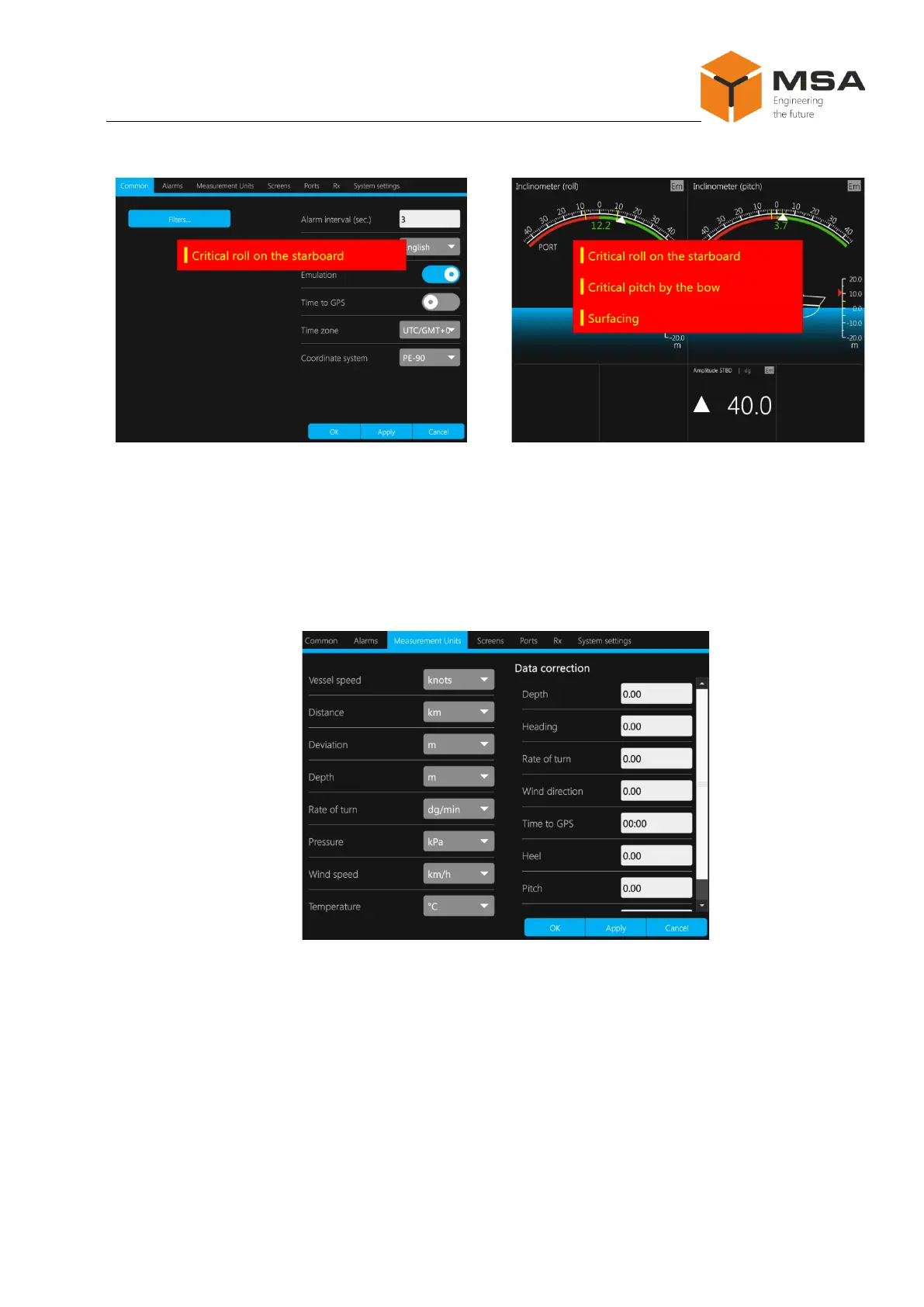
Figure 13 – Sample pop-up warning messages
2.3.11 Measurement units tab page
Tab page Measurement units ensures settings of measurement units and data cor-
rection. The structure is shown in Figure 12. Measurement units can be set by selecting a
relevant option from the drop down list for each specified parameter, see Figure 14.
Figure 14 – Tab page Measurement units
The following controls are located on tab page Measurement units, see Table 12.



 To Next Page