Universal digital repeater
DR-209M
Page 27
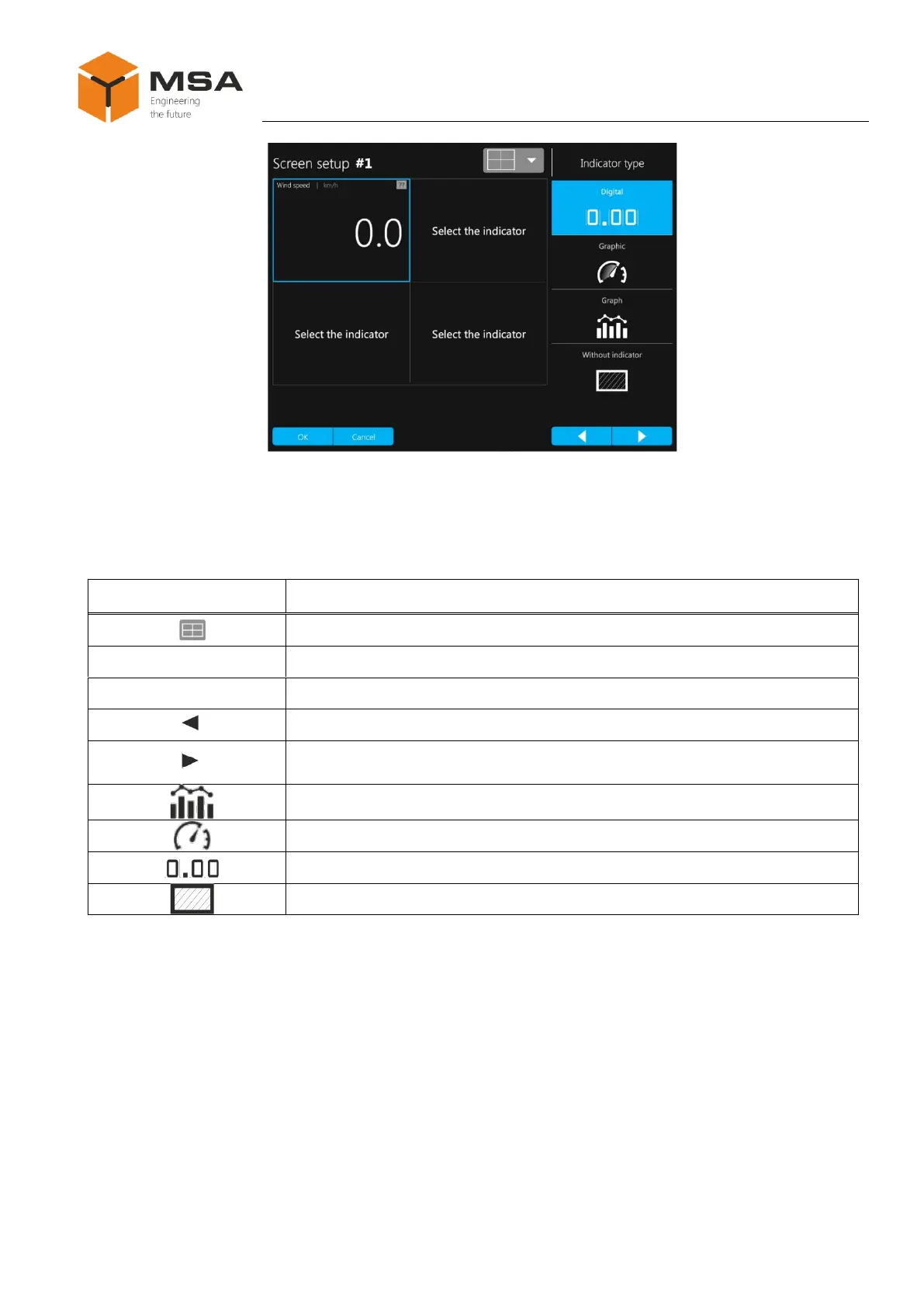
Figure 18 – Configuration of data display mode
The following controls are presented in Screen Setup tab page, see Table 16.
Table 16 – The controls of Screen Setup tab page
To select a multi-screen pattern
To cancel the selected settings
To drop-down list Data source
Repeated click transfers to data source settings
2.3.12.3 Select of displayed data types
Select a screen to set / change type of displayed data in the editing mode.
Select the required data type for each segment on a drop-down list Data source,
see Figure 19.
Once you press OK to confirm the select, the Product will exit the select mode
and the screen will show the data displayed according to the provided settings.



 To Next Page