Page 28
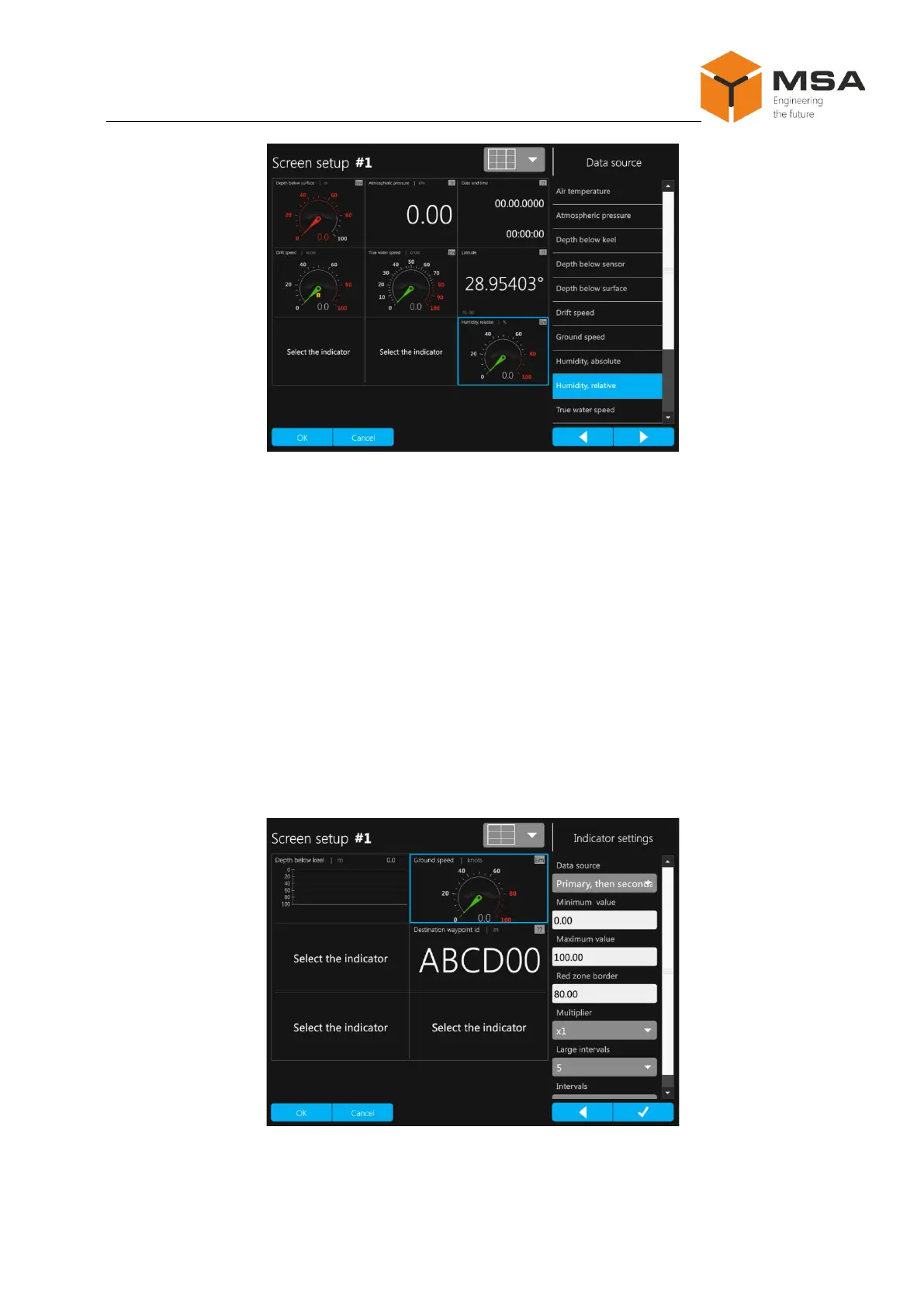
Figure 19 – Select of displayed data type
2.3.12.4 Configuration of data source
Displays tab page also provides a possibility to configure a data source. Individual
settings may be provided for each display mode, see Figures 20–22. For example, a user
can set up a screen as a Primary or Secondary one; order of NMEA sentences reception
(i.e., order of sentences transmission) can be also configured: data of Primary or Second-
ary source are received and processed as a primary value. If data are received from the
Primary source (Secondary, then Primary), the screen shows «1». If data are received
from the Secondary source (Primary, then Secondary) – icon «2». Type of data display
can be configured in any mode: entering numeric values of interval length, min. and max.
scale values, etc. The settings are carried out manually on the drop-down numeric panel.
Figure 20 – Sample of configuration in Graphic data display mode



 To Next Page