Page 30
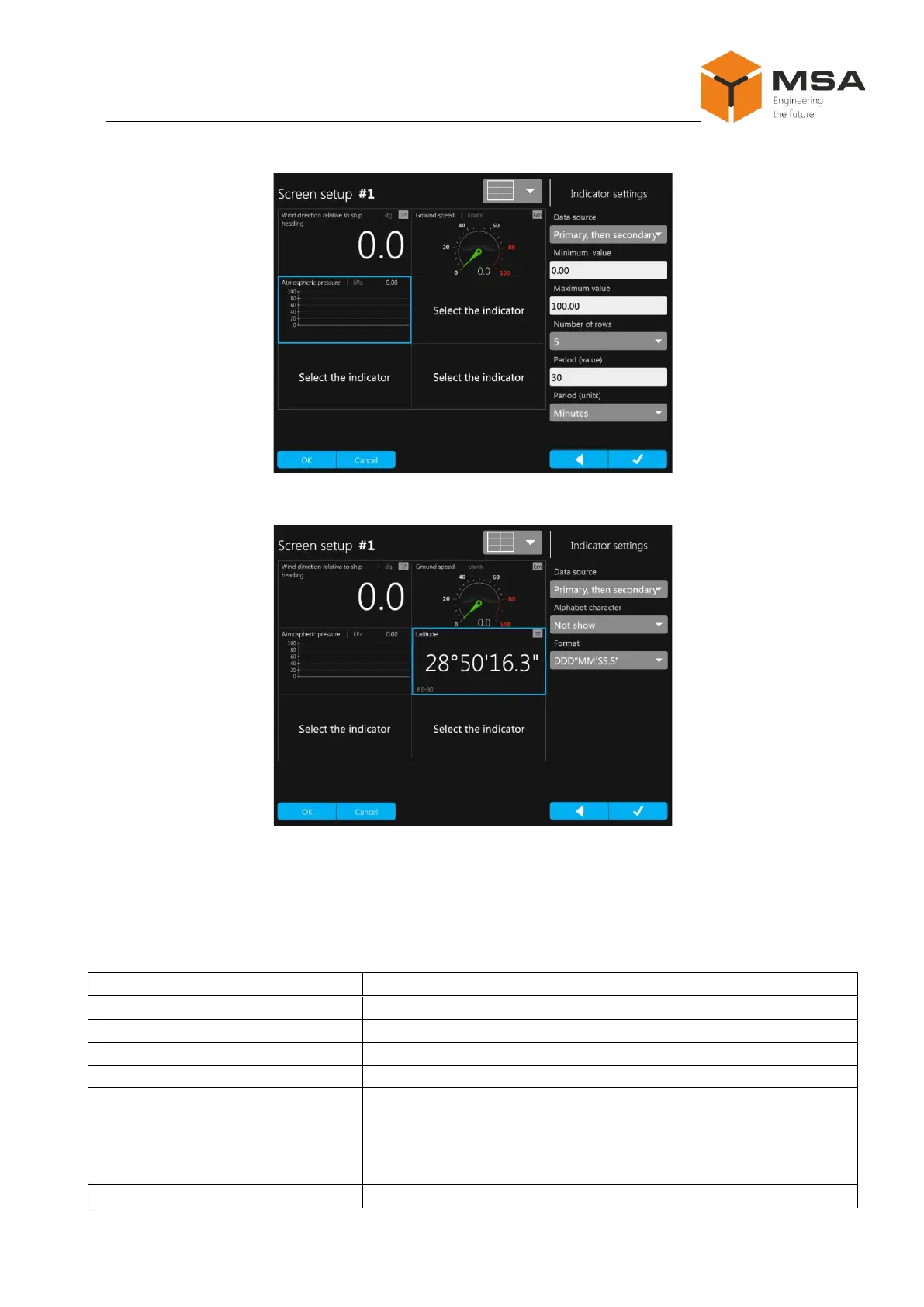
Figure 21 – Sample of settings in Graph data display mode
Figure 22 – Sample of settings in Digital data display type
The description of indicator settings in Digital data display mode is represented
in Table 19.
Table 19 – The description of indicator settings in Digital data display mode
To display data from the Primary source
To display data from the Secondary source
To set a status for data source Primary
To set a status for data source Secondary
Positive dynamics («not set», «arrow up», «arrow left», «arrow
down», «arrow right»);
Negative dynamics («not set», «arrow up», «arrow left», «ar-
row down», «arrow right»)



 To Next Page