Model S4100C
25
6.2 Alarms
Alarms are stacked below Faults according to priority i.e.: if a Fault and (latched)
Alarm(s) exist at a particular time, the display will show the Fault. As the Fault is
cleared, the Alarm with the next highest priority will be displayed.
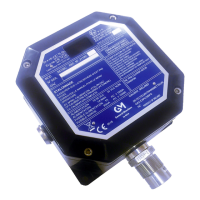
Latched Alarms may be cleared by briefly applying the magnet to the General
Monitors Logo on the Nameplate if the Alarm condition no longer exists. Non-latching
Alarms will clear automatically once the Alarm condition ceases to exist.
6.3 Modbus RTU Serial Interface problems
If the Modbus Node Address or any other Modbus parameter of the instrument is
unknown, proceed as follows:
Power down the instrument. Place the magnet on the General Monitors Logo on the
Nameplate. Ensure the Remote Cal input is NOT activated. Re-apply power and
remove the magnet. Wait for the instrument to complete its power up routine. All user
selectable Modbus parameters will have returned to their factory default settings and
may be re-programmed as required.


 To Next Page