EasyManua.ls Logo

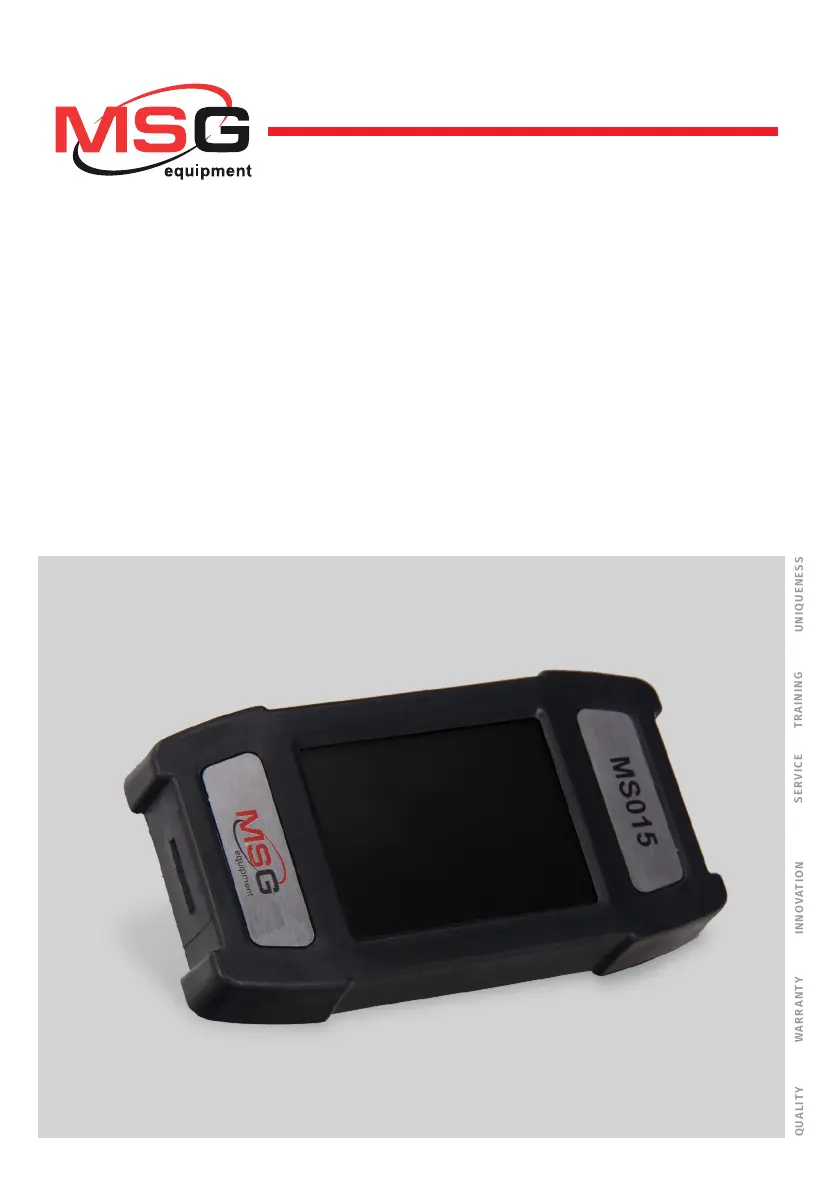
MSG MS015 COM - User Manual

MSG MS015 COM
57 pages
Print Icon
To Next Page IconTo Next Page
Loading...
MS015 COM
USER MANUAL
TESTER FOR AUTOMOTIVE
ALTERNATORS
РУКОВОДСТВО ПО ЭКСПЛУАТАЦИИ
ТЕСТЕР ДЛЯ АВТОМОБИЛЬНЫХ
ГЕНЕРАТОРОВ
UNIQUENESS
QUALITY
SERVICE
WARR ANTY
TR AINING
INNOVATION
2020.03.17
INSTRUKCJA OBSŁUGI
URZĄDZENIE DIAGNOSTYCZNE DO
TESTOWANIA GENERATORÓW

Table of Contents

Questions and Answers

  • M
    Michael TravisAug 6, 2025
    What to do if the display of MSG MS015 COM doesn't respond to touch?
    • D
      Daniel McknightAug 6, 2025
      If the display of your MSG Test Equipment doesn't respond to touch, it's likely that the touch screen is damaged. In this case, you should contact the service department.
  • J
    Jeffrey GarciaAug 11, 2025
    Why diagnostics fails to be launched on MSG MS015 COM?
    • J
      jhuffAug 11, 2025
      If the diagnostics on your MSG Test Equipment fails to launch, it is likely due to an operating system malfunction. Contact the service department to resolve this issue.
  • T
    Timothy SchwartzAug 17, 2025
    What to do if tested parameters are displayed incorrectly on MSG MS015 COM?
    • Z
      zboltonAug 18, 2025
      If the tested parameters are displayed incorrectly on your MSG Test Equipment, it could be due to poor contact on the probe connectors. Try to restore the contact. Alternatively, a software error might be the cause, in which case you should contact the sales representative.
  • M
    Mariah JohnsonAug 25, 2025
    What to do if data is displayed partially on MSG MS015 COM?
    • M
      Maxwell McdowellAug 25, 2025
      If the data is displayed only partially on your MSG Test Equipment, it may be due to the discontinuity of diagnostic probes. In this case, replace the probes. It can also be caused by a software error. If this is the case, contact the sales representative.
  • H
    Heather CarrollAug 29, 2025
    How to fix MSG Test Equipment that fails to switch on?
    • E
      Emily DickersonAug 29, 2025
      If your MSG Test Equipment fails to switch on, it might be due to poor contact with the diagnostic connector. Check the connector to ensure it is securely fixed.

Summary

Introduction

Application

Technical Characteristics

Equipment Set

Description

Tester Menu

Overview of the MS015 COM tester's main menu sections and buttons.

Alternator Testing Modes

Explanation of the diagnostic window and parameters for various alternator testing modes.

Intended Usage

Safety Measures

Outlines essential safety precautions for using the MS015 COM Tester.

Testing of an Alternator on a Car

Step-by-step procedure for testing an alternator using the MS015 COM Tester on a vehicle.

Tester Maintenance

Tester Software Update

Instructions for updating the MS015 COM Tester software via MicroSD card.

Cleaning & Care

Guidelines for cleaning and maintaining the MS015 COM Tester's surface and display.

Major Faults and Troubleshooting Techniques

Equipment Disposal

Appendix 1: Terminals for Connection to Alternators

MSG MS015 COM Specifications

General IconGeneral
BrandMSG
ModelMS015 COM
CategoryTest Equipment
LanguageEnglish