AWARD
®
BIOS Setup
3-7
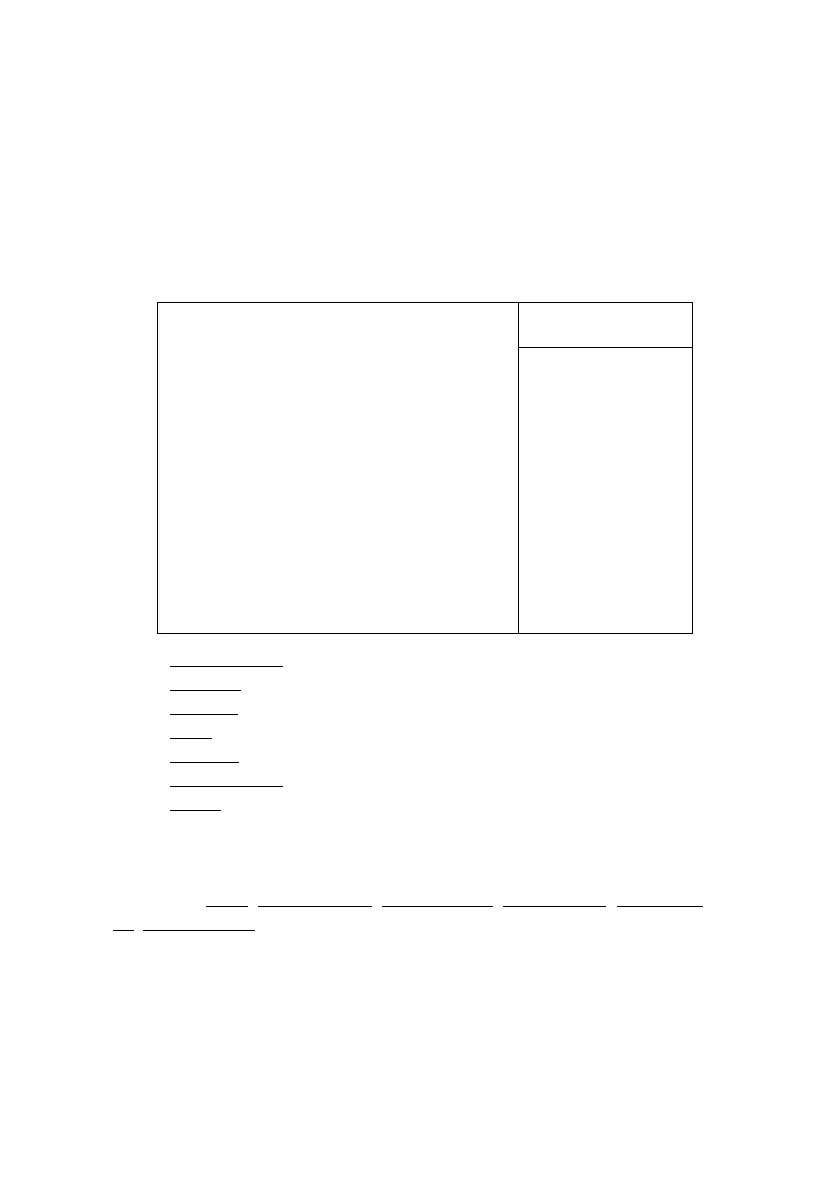
IDE Primary Master/Primary Slave/Secondary Master/Secondary Slave
Press PgUp/<+> or PgDn/<-> to select the hard disk drive type. The
specification of hard disk drive will show up on the right hand according to
your selection.
Access Mode The settings are Auto, CHS, LBA and Large.
Capacity The formatted size of the storage device.
Cylinder Number of cylinders.
Head Number of heads.
Precomp Write precompensation cylinder.
Landing Zone Cylinder location of the landing zone.
Sector Number of sectors.
Drive A/B
This item allows you to set the type of floppy drives installed. Available
options are None, 360K, 5.25 in., 1.2M, 5.25 in., 720K, 3.5 in., 1.44M, 3.5
in., 2.88M, 3.5 in.. The default value for Floppy Drive A is 1.44M, 3.5 in,
and for Floppy Drive B is None.
Video
The item sets the type of video adapter used for the primary monitor of the
system . Available options are EGA/VGA , CGA 40, CGA 80 and Mono.
Menu Level !!
To auto-detect the
HDDs size, head...on
this channel
IDE HDD Auto-Detection Press Enter
IDE Primary Master Auto
Access Mode Auto
Capacity 15021MB
Cylinder 291024
Head 16
Precomp 0
Landing Zone 29103
Sector 63
IDE Primary Master
Item Help



 To Next Page