PCI IDE BusMaster
Ths tem allows you to enable/ dsable BIOS to used PCI busmasterng for readng/
wrtng to IDE drves.
On-Chp SATA Controller
These tems allow users to enable or dsable the SATA controller.
RAID Mode
Ths tem allows you to congure RAID mode for onboard SATA devces.
I/O Devces
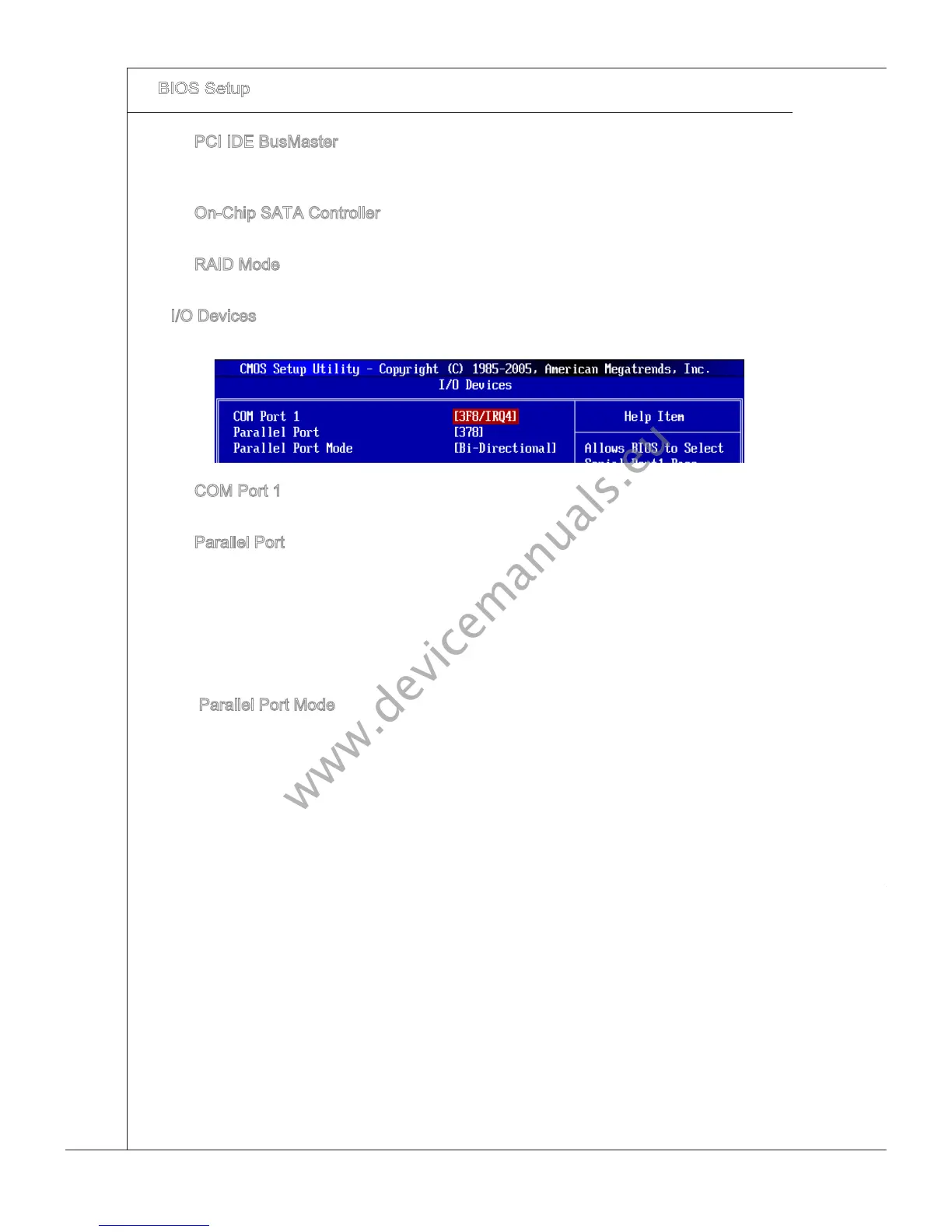
Press <Enter> to enter the sub-menu and the followng screen appears:
▶
▶
▶
▶
COM Port 1
Select an address and correspondng nterrupt for the rst seral port.
Parallel Port
There s a bult-n parallel port on the on-board Super I/O chpset that provdes Stan-
dard, ECP, and EPP features. It has the followng opt
ons:
[Dsabled]
[3BC] Lne Prnter port 0
[278] Lne Prnter port 2
[378] Lne Prnter port 1
Parallel Port Mode
[Normal] Standard Parallel Port
[EPP] Enhanced Parallel Port
[ECP] Extended Capablty Port
[ECP + EPP] Extended Capablty Port + Enhanced Parallel Port
[B-Drectonal]
To operate the onboard parallel port as Standard Parallel Port only, choose [Nor-
mal]. To operate the onboard parallel
port n the EPP mode smultaneously, choose
[EPP]. By choosng [ECP], the onboard parallel port wll operate n ECP mode only.
Choosng [ECP + EPP] wll allow the onboard parallel port to support both the ECP
and EPP modes smultaneously.
▶
▶
▶



 To Next Page