GT OverClockng
Ths tem allows you to enable/ dsable the overclockng of ntegrated graphcs.
GT Rato
Ths settng controls the rato of ntegrated graphcs frequency to enable the ntegrated
graphcs to run at derent frequency combnatons.
VDroop Control
Ths tem s used to select the VDroop control mode.
CPU Vcore/ CPU IO/ DRAM Voltage/ GPU Voltage/ CPU SA/ CPU PLL Voltage/
DDR_VREF_CA_A/ DDR_VREF_CA_B/ DDR_VREF_DA_A/ DDR_VREF_DA_B/ PCH
1.05
These tems are used to adjust the voltage of CPU, Memory and chpset.
Current CPU Vcore/ Current CPU IO/ Current DRAM Voltage/ Current CPU SA
These tems show current CPU Vcore/ CPU IO/ DRAM/ CPU SA voltage. Read-only.
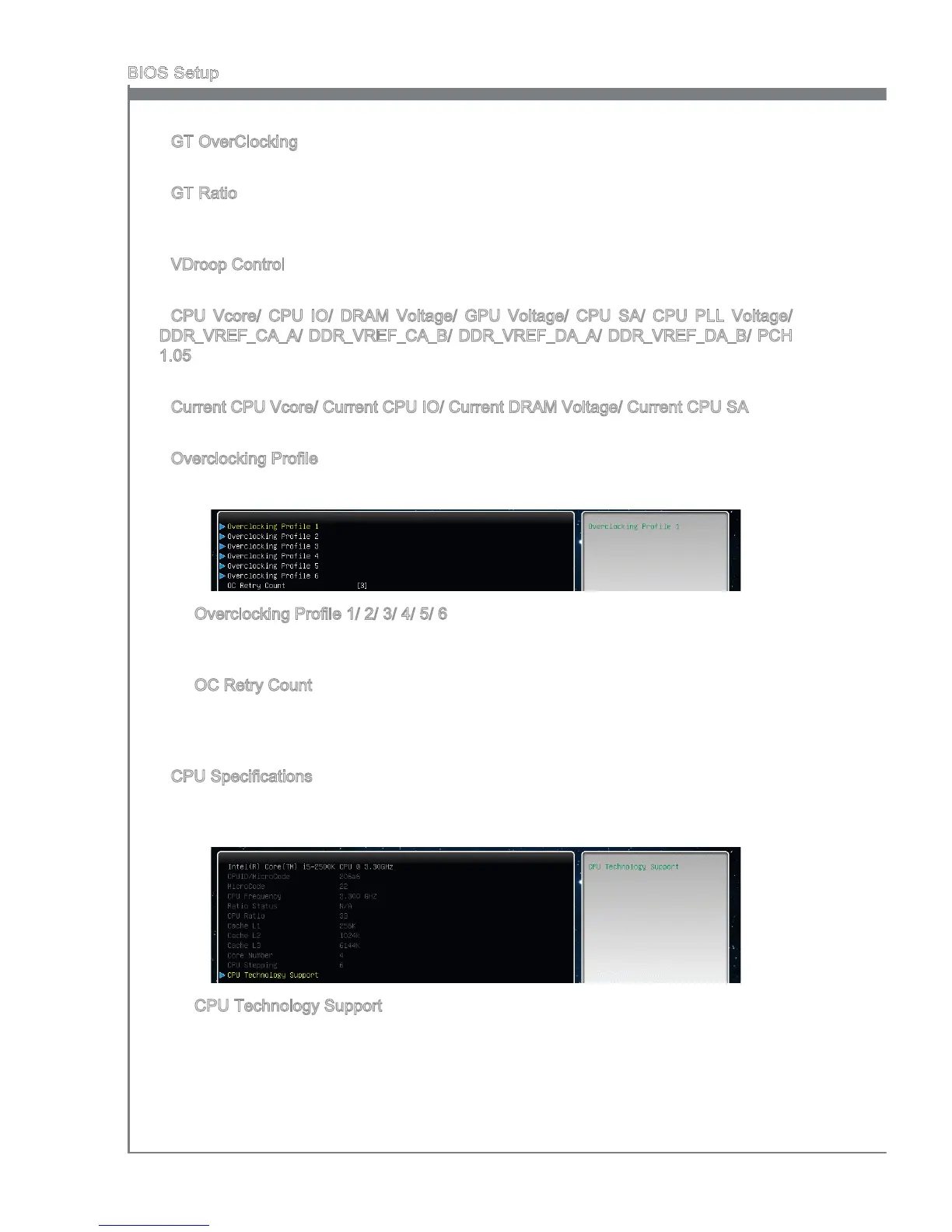
Overclockng Prole
Press <Enter> to enter the sub-menu.
Overclockng Prole 1/ 2/ 3/ 4/ 5/ 6
Press <Enter> to enter the sub-menu. In the sub-menu, these tems are used to save
the current settngs, and you can to load the settngs from the stored prole.
OC Retry Count
When overclockng has faled, settng ths tem as [1, 3] wll allow system to reboot
1/ 3 tmes wth the same overclocked conguraton. If overclockng has faled every
tme, the system wll restore the defaults.
CPU Speccatons
Press <Enter> to enter the sub-menu. The submenu shows the nformaton of nstalled
CPU.
CPU Technology Support
Press <Enter> to enter the sub-menu. The sub-menu shows the nstalled CPU tech
-
nologes. Read only.
▶
▶
▶
▶
▶
▶
▶
▶
▶
▶




 To Next Page