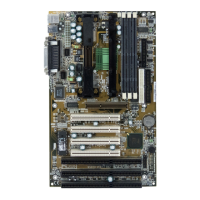
Hardware Setup
2-5
Slot Memory Module Total Memory
Slot 1
(Bank 0 & Bank 1)
8MB~256MB 8MB~256MB
Slot 2
(Bank 2 & Bank 3)
8MB~256MB
8MB~256MB
Total System Memory
8MB~512MB
Memory Installation Procedures
Installing DIMM Modules
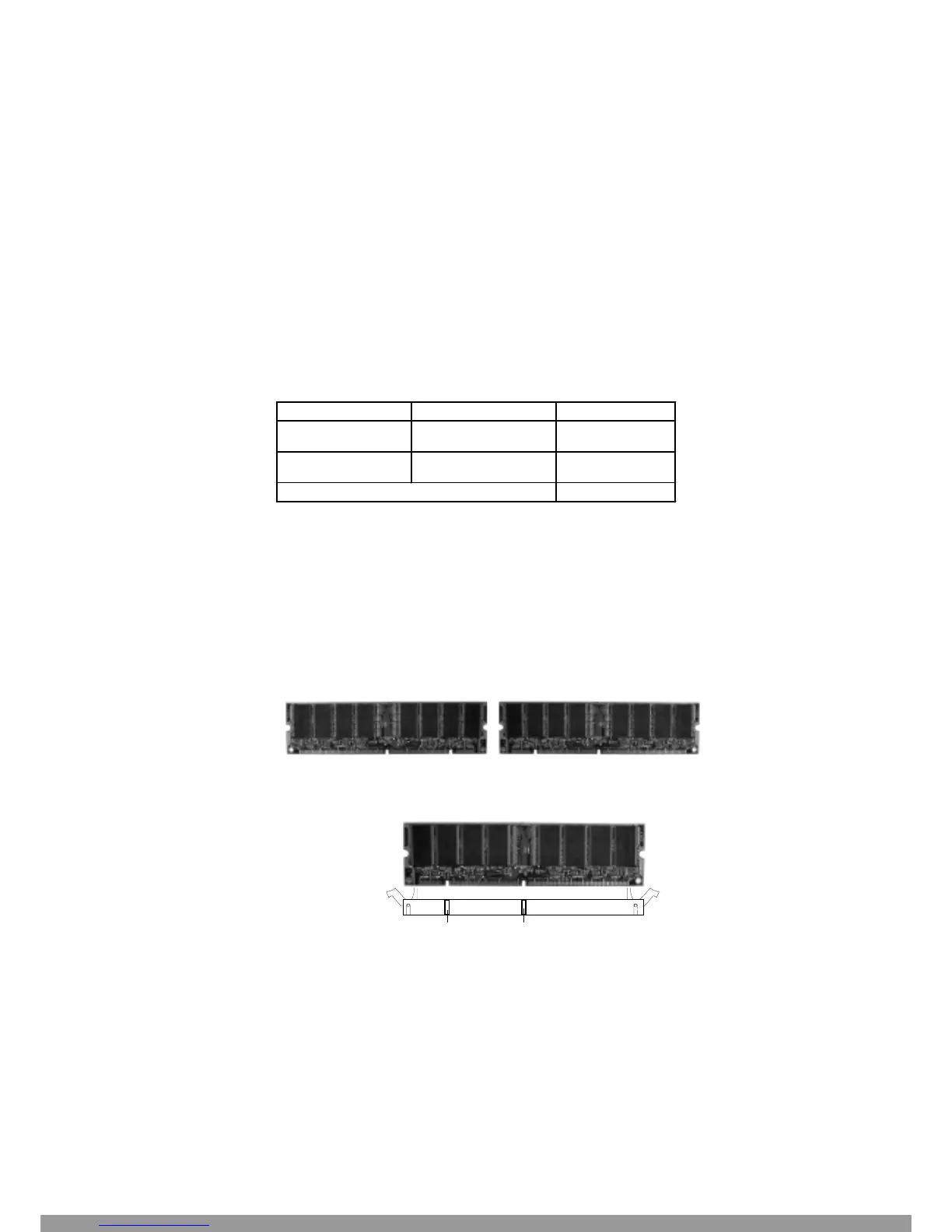
You can install memory modules in any combination as follows:
1. The DIMM slot has 2 Notch Keys “VOLT and DRAM”, so the
DIMM memory module can only fit in one direction.
2. Insert the DIMM memory module vertically into the DIMM slot.
Then push it in.
3. The plastic clip at the side of the DIMM slot will automatically close.
VOLTDRAM
Front View Rear View
Memory Population Rules
1. Supports only SDRAM DIMM.
2. To operate properly, at least one 168-pin DIMM module must be installed.
3. This mainboard supports Table Free memory, so memory can be installed on
DIMM1 or DIMM 2 in any order.
4. Supports 3.3 volt DIMM.
This Manual: http://www.manuallib.com/file/2541279



 To Next Page