Chapter 3
3-32
Save & Exit Setup
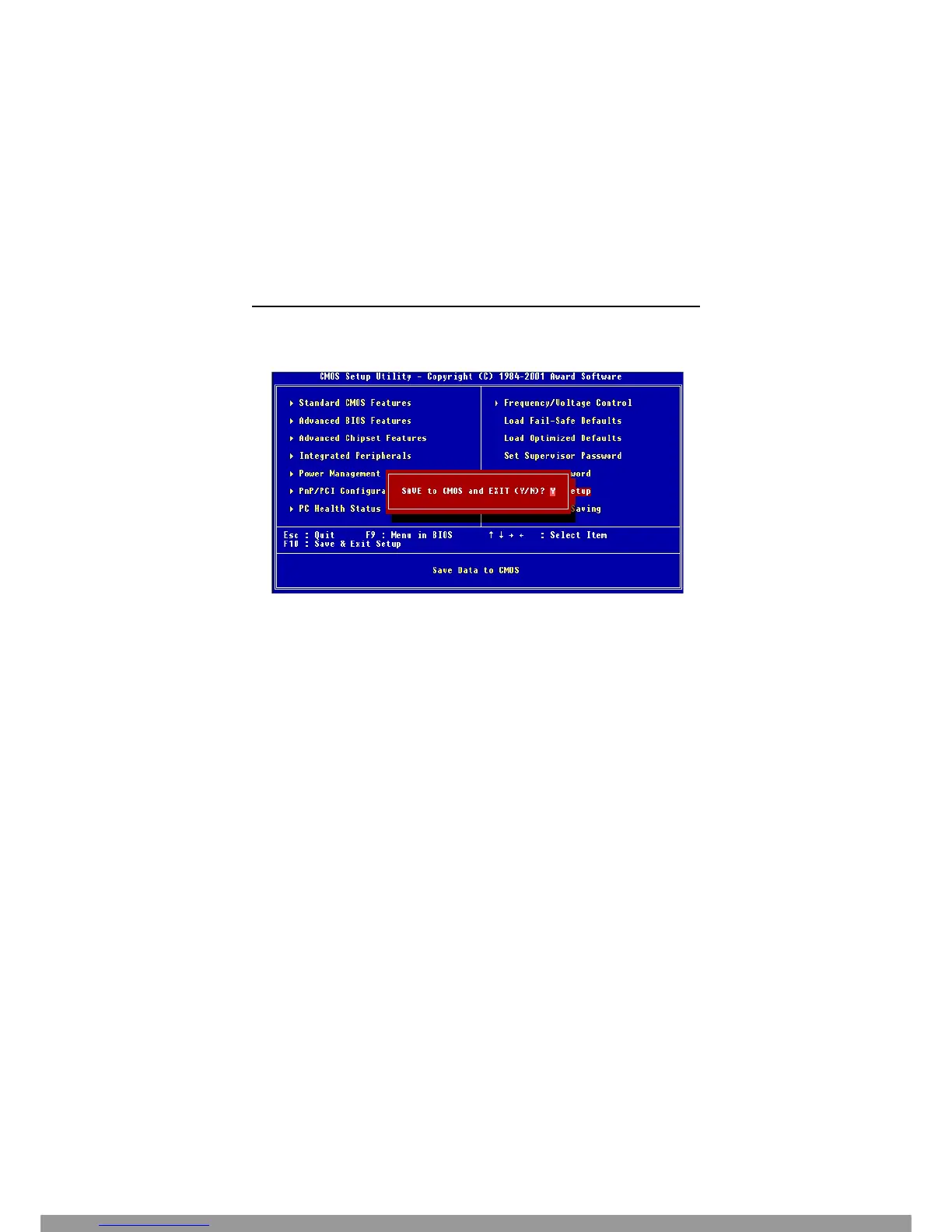
When you want to quit the Setup menu, you can select this option to save the
changes and quit. A message as below will appear on the screen:
Typing “Y” will allow you to quit the Setup Utility and save the user setup
changes to RTC CMOS.
Typing “N” will return to the Setup Utility.
This Manual: http://www.manuallib.com/file/2541279



 To Next Page