3-9
BIOS Setup MS-98F3
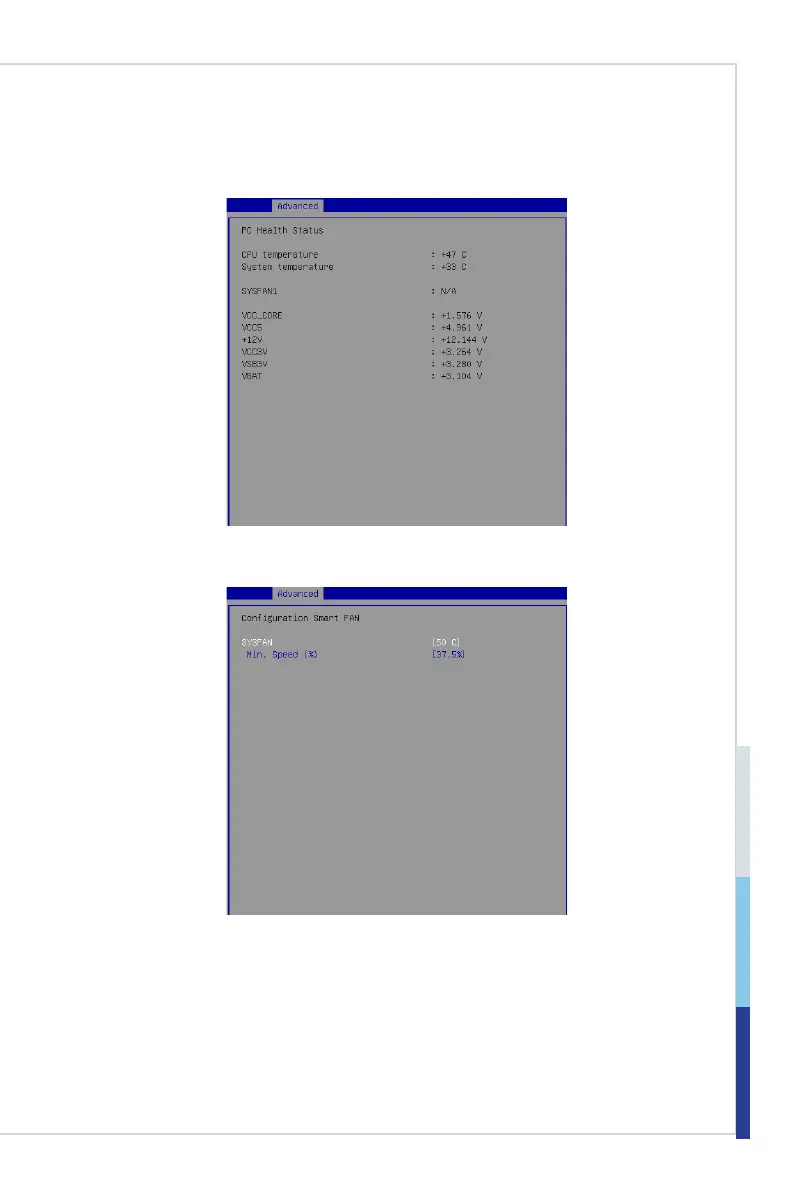
▶H/W Monitor
These items display the current status of all monitored hardware devices/
components such as voltages, temperatures and all fans’ speeds.
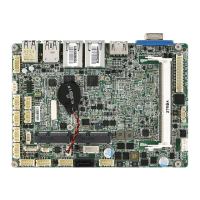
▶Smart Fan Conguration
▶SYSFAN
This setting enables/disables the Smart Fan function. Smart Fan is an
excellent feature which will adjust the CPU/system fan speed automatically
depending on the current CPU/system temperature, avoiding the overheating
to damage your system.
▶Min. Speed (%)
This setting species the percent of minimum fan speed for the Smart Fan
function.


 To Next Page