2-16
Hardware Setup MS-S0121
Jumper
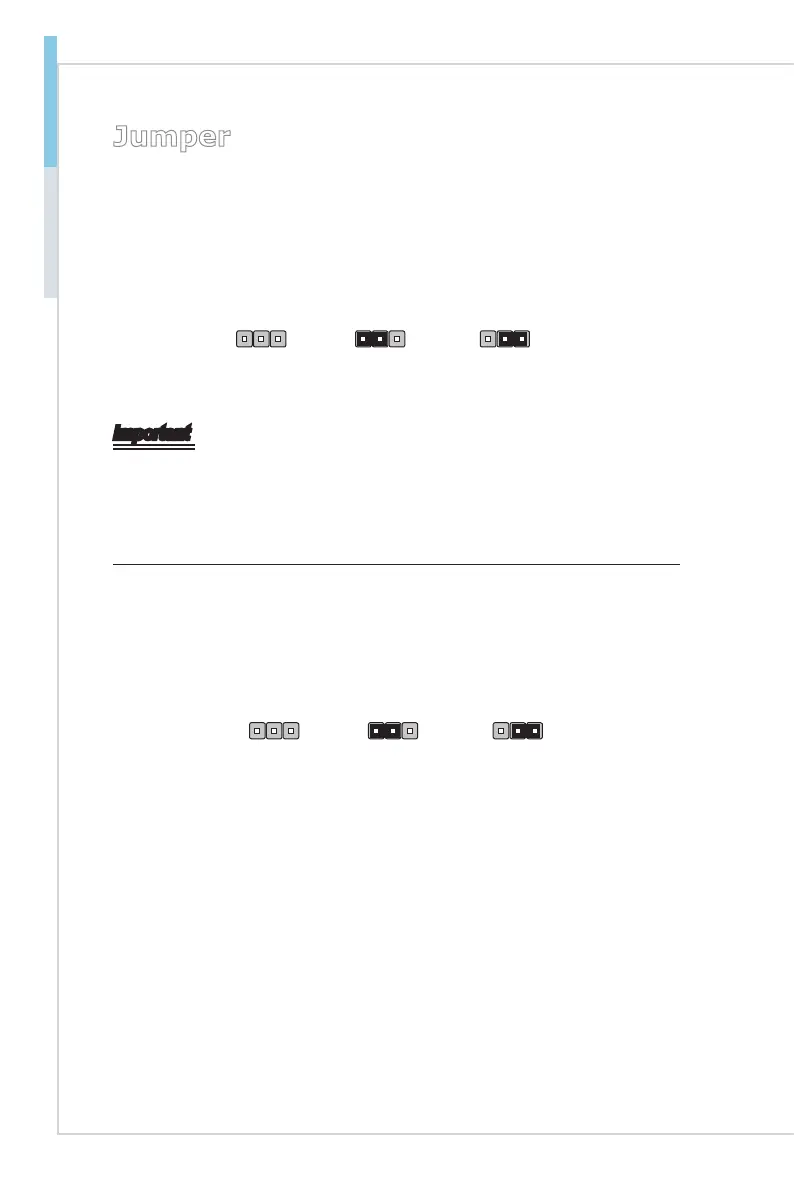
Clear CMOS Jumper: JBAT1
There is a CMOS RAM onboard that has a power supply from an external battery
to keep the data of system conguration. With the CMOS RAM, the system can
automatically boot OS every time it is turned on. If you want to clear the system
conguration, set the jumper to clear data.
JBAT1
Normal Clear CMOS
1 11
Important
You can clear CMOS by shorting 2-3 pin while the system is off. Then return to
1-2 pin position. Avoid clearing the CMOS while the system is on; it will damage
the mainboard.
BIOS Recovery Jumper: J_BOOT1
Users can short connect pin#2-3 to recover the system BIOS. When the system
is done with the job, the buzzer will beep to remind users to set the jumper to its
normal state (pin#1-2 short connected).
J_BOOT1
Normal Recovery
1 11


 To Next Page