Save power & LED indicator
The backlight will switch off after 2 minutes in the
mower will power off after 8 minutes, respectively,
without user interference.
1. Press OK button to enter sub-menu 1.
2. Select „setting“ to enter sub-menu 2.
3. Select „information“ to enter sub-menu 3.
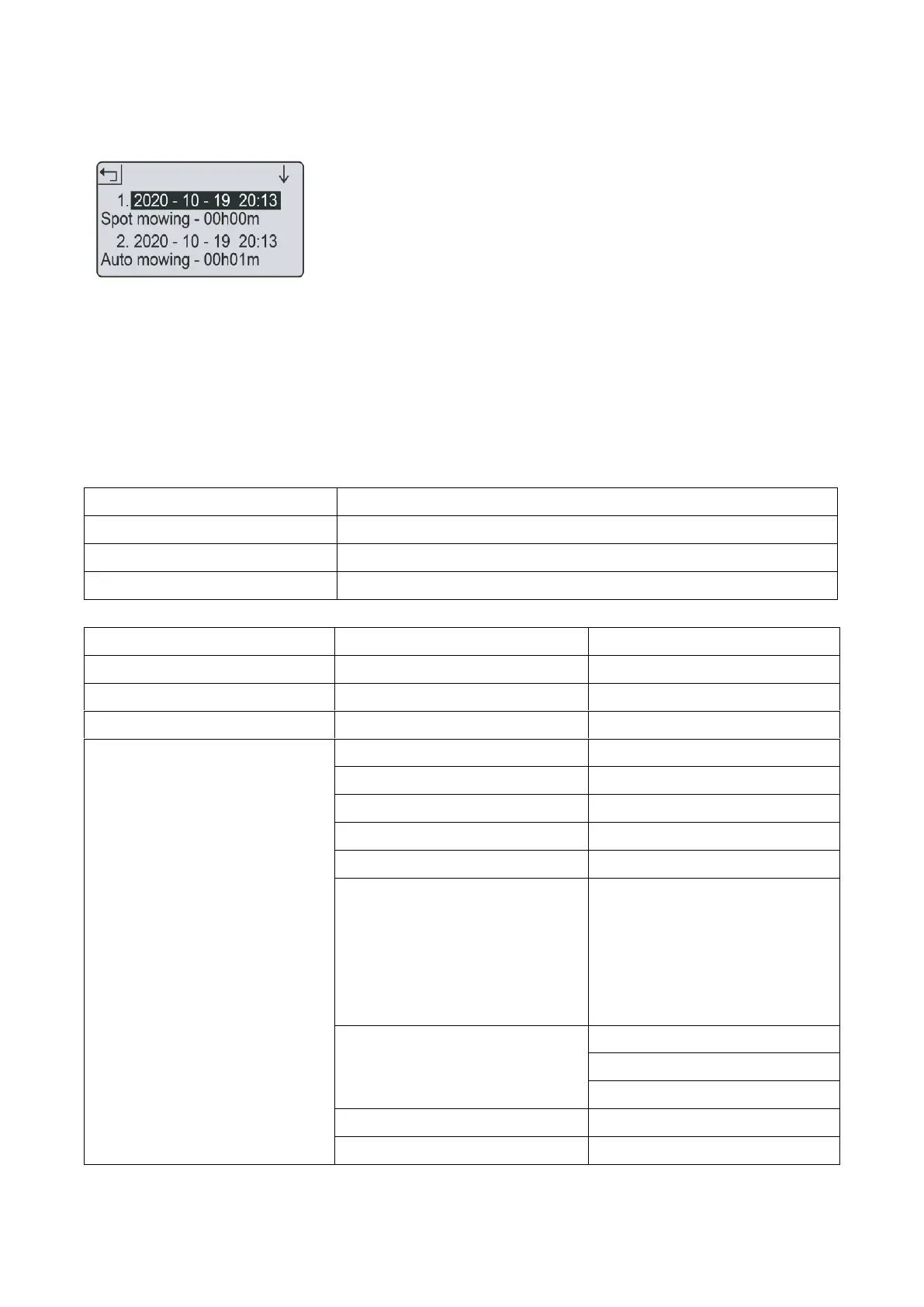
4. Select „work log“.
5. The past 10 records (including date, time and
work mode and work time) will be shown.
Loop signal normal or fully charged
Czech, Slovak, English, French,
German, Italian, Spanish, Danish,
Norwegian, Swedish, Finnish,
Polish, Dutch


 To Next Page