www.mtpinc.com 10
Changing Values
To change the values of any particular setting, begin by selecting the setting (eg. Voltage) and follow the
instructions below.
VOLTAGE
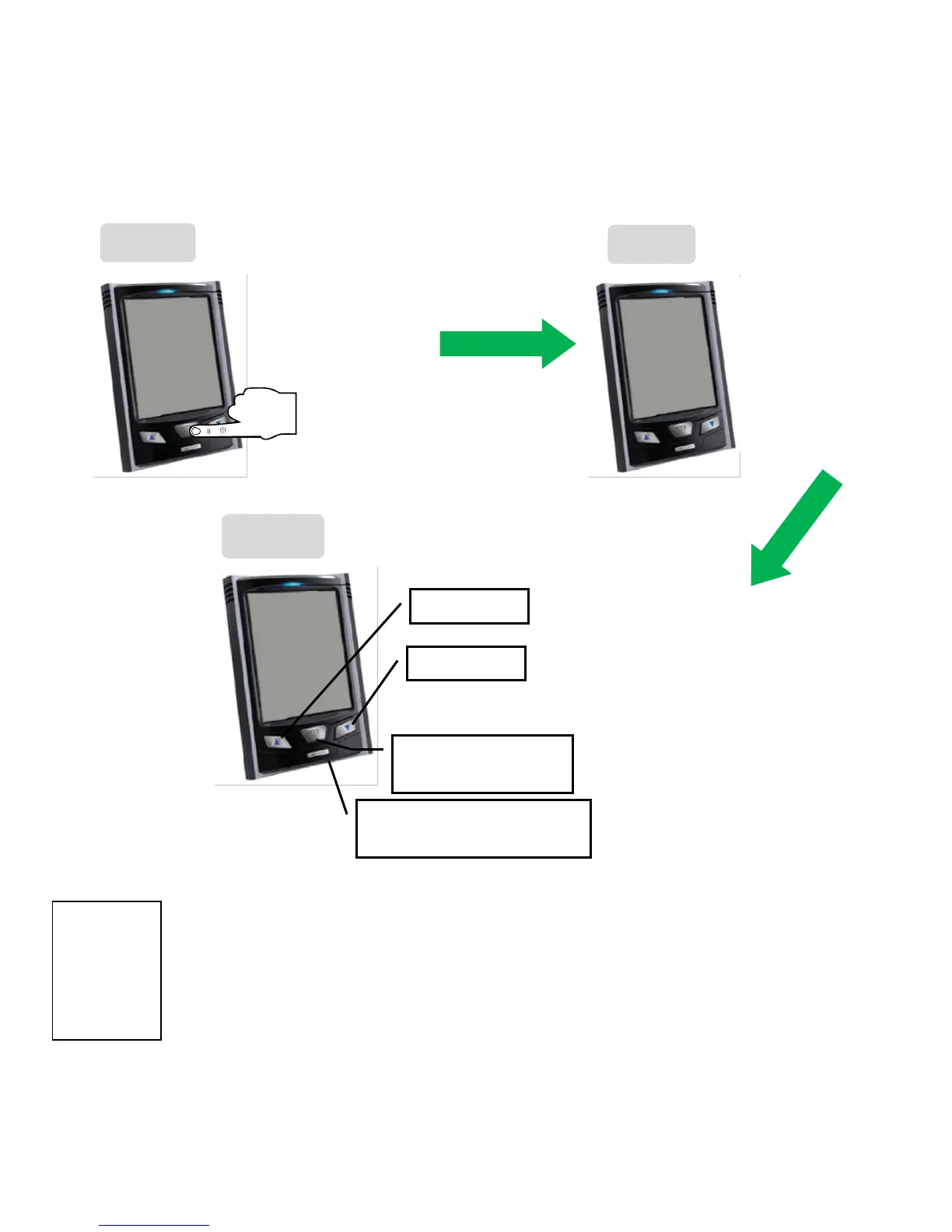
The Voltage symbol should blink, confirming that you are now in Setting Mode.
1. Press SET/ MODE key to enter into Voltage Selection
The first digit “1” will start flashing.
2. Press the ▲ or ▼ key to increase or decrease value, then press the MODE/SET key to confirm
(validate) this digit and move on to the next digit.
3. Repeat the same steps for other digits. After validation of the last digit, the screen returns to the
default ʺSetting Modeʺ screen and the Currency symbol starts flashing. If you need to go back to
Voltage settings, use ▲ or ▼ key to reselect Voltage symbol then confirm.


 To Next Page