8. History Data Clearance and Factory Reset
History Data Clearance
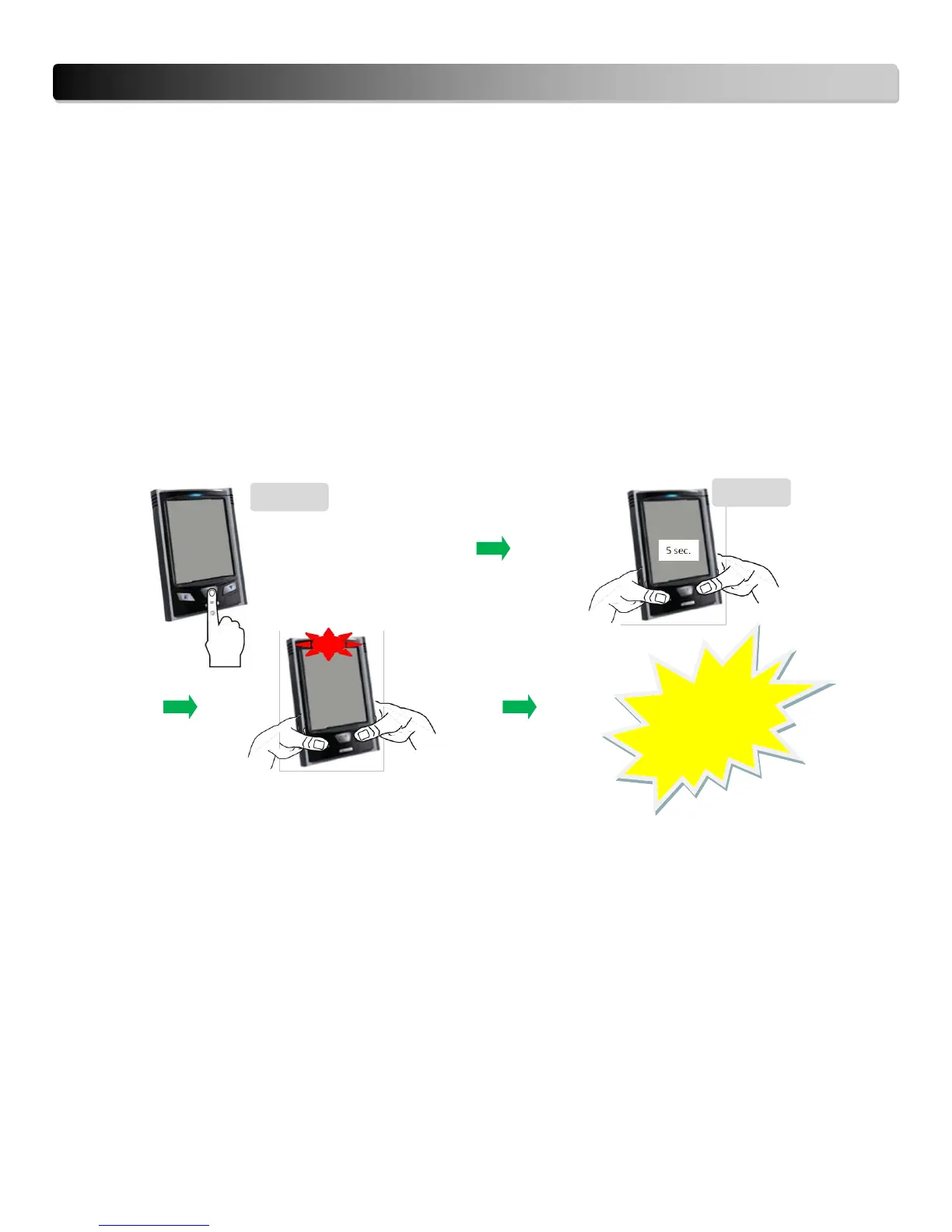
To reset only the History data, please follow the instructions below. Note that this does not perform a factory
reset.
1. Press and release the HISTORY button to enter in the HISTORY mode.
2. In the HISTORY mode, keep pressed the UP and DOWN buttons simultaneously for about 5 seconds (until
red light flashes).
3. The history data (including histogram) are now cleared while all other settings such as date, time, tariff
selection are kept the same.
Note: At step 2, the data clearance can be performed under any history data interface (daily/weekly/monthly:
kWh, $, kg CO2)


 To Next Page