1.7. Programming the indicator КД8083
Programming procedure:
- remove the control board cover;
- press the button (1) of the control panel and hold it down for at least 2 seconds;
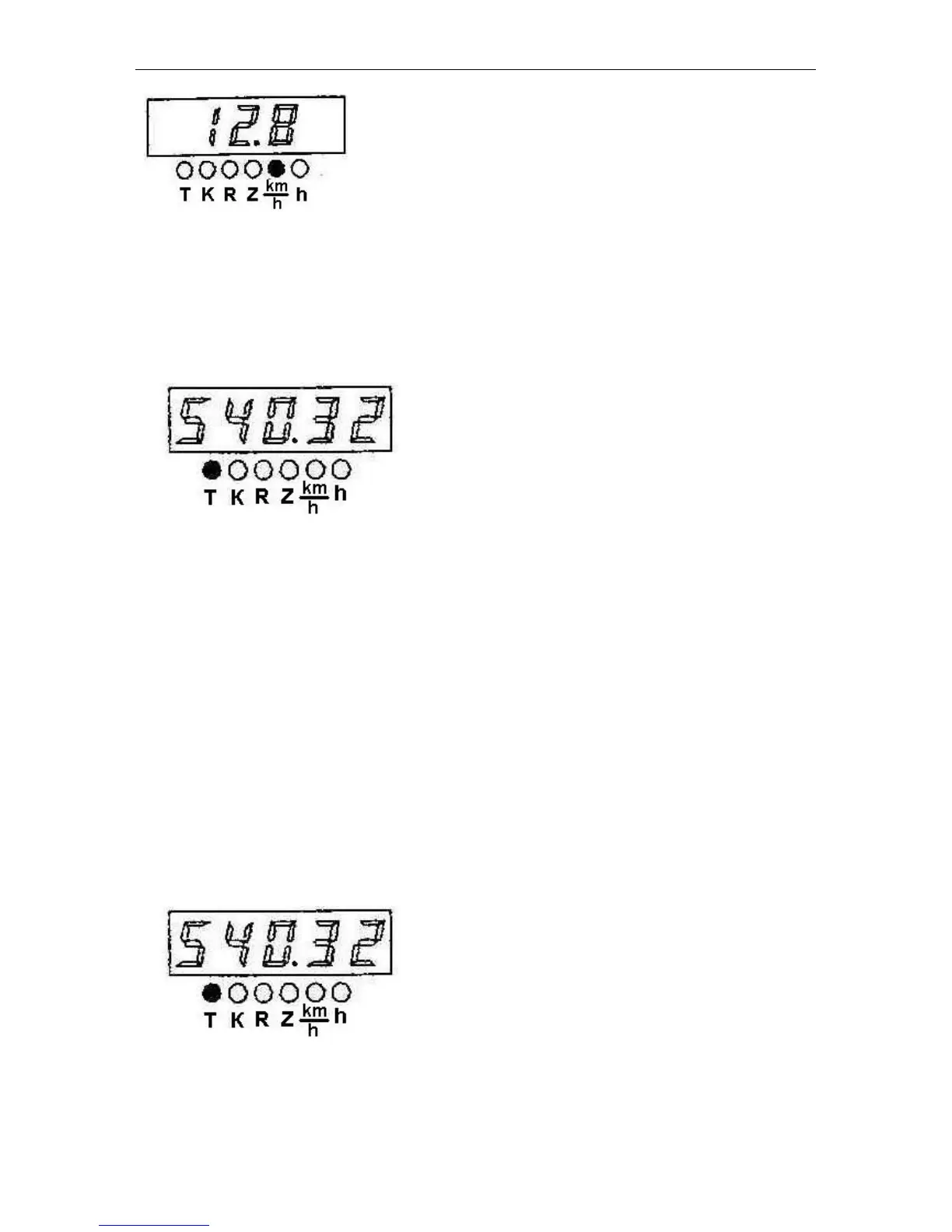
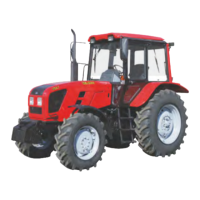
- the display (7) shows the mode “Adjusted total engine running time”. In this case, the
LED located next to the symbol “Т” lights up.
- press repeatedly the button (1) to switch over cyclically the programmable parameters;
- press the button “2” to enter the required value of the selected parameter, then the least
significant digit (the first on the right) of the selected parameter of the indicator starts
blinking with the period of 0.3 s;
- set the required value of the less significant digit of the selected parameter by pressing
the button “2”;
- press shortly the button “1”; then the second from the right digit of the digital indicator
shall start blinking;
- set the required value in the second from the right digit of the parameter to be corrected
by pressing the button “2”;
- press shortly the button “1”; then the third from the right digit of the digital indicator shall
start blinking;
- set the required value in the third from the right digit of the parameter to be corrected by
pressing the button “2”;
- fix the entered value of the parameter by pressing the button “1”;
- on pressing the button “1” next time, the switching to the next parameter will occur.
To exit the programming mode, enter the adjusted time mode, press and hold down the
button (2) for at least 2 s; then the readings “8.8.8.8.8” shall be shown in the five-digit in-
dicator for 1-4 seconds and all the LEDs of the PTO’s scales shall light up.



 To Next Page