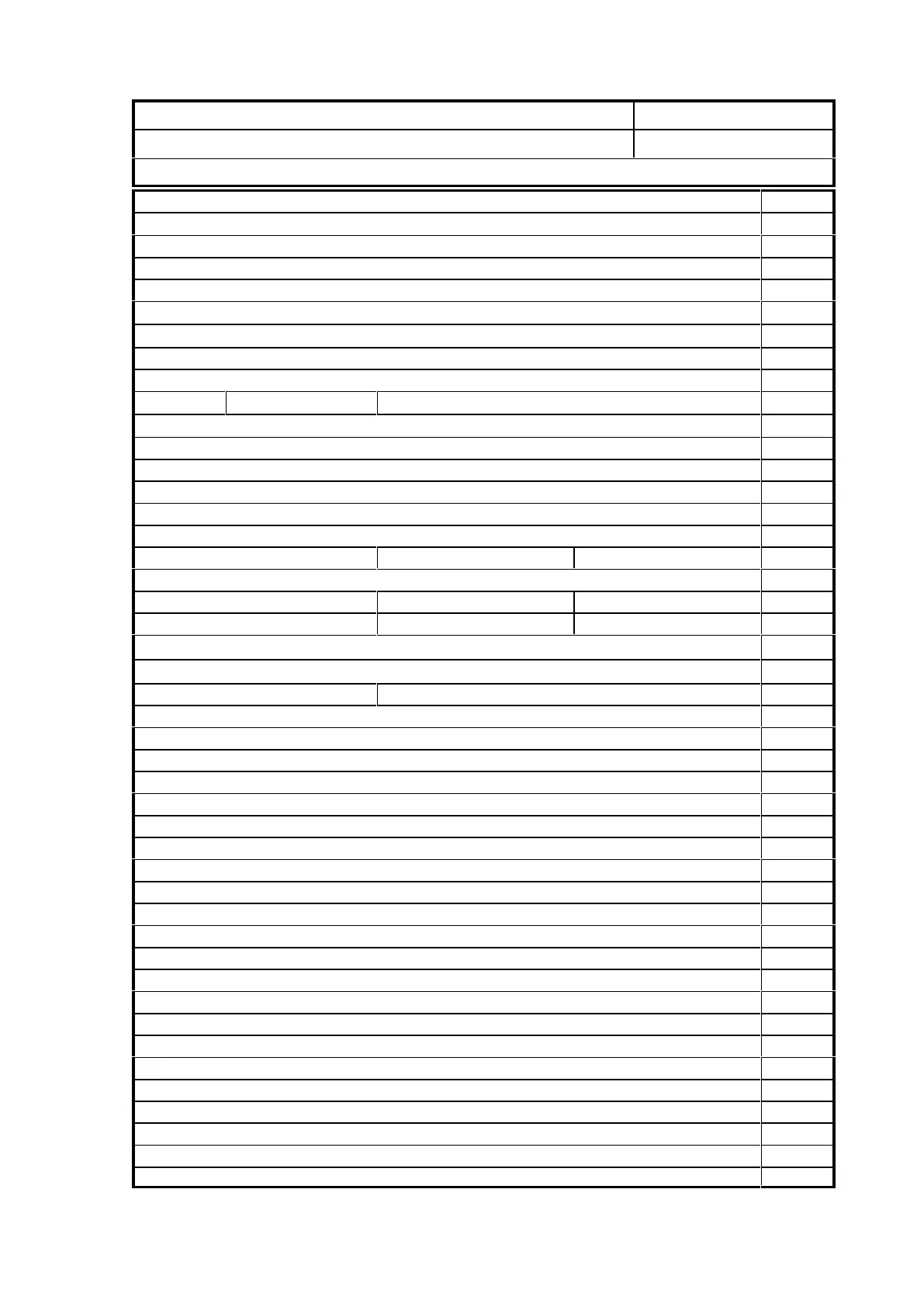
Machine Commissioning
Company :
Date:
Contact :
Serial No:
Technician :
Description Yes/No
Check that all items have arrived undamaged
Ensure availability of correct power for machine
Ensure availability of correct power for additional appliances (if req'd)
Machine is installed with adequate clearances all round.
Explanation to customer of importance of correct placement of vacuum pump carried out
Is machine frame earthed?
Ensure availability of correct air supply for machine 110-120psi
Check & tighten all screws incl spindle mounts & electrical connections
Levels Machine Frame: Gantry: Level Tilt: Square
Install memory card/stick & check machine startup procedure
Test X,Y & Z homing FUNC 12
Square spindle to machine table
Test torque on X,Y & Z axes & inspect for excessive movement in drive system
Install appliances (spindle, sub console, vac pumps, dust collector, overarm, mist sprayer etc)
Have customer install tool mounting jig if supplied
Record inverter settings Acceleration: Deceleration:
Check motor direction for vac pump & dust collector correct (if supplied)
Record vacuum readings Rietschle zones closed: -38 kPa with material: kPa
Record vacuum readings Multicam zones closed: -34 kPa with material: kPa
If fitted, record relief valve activation pressure kPa
Check table vacuum zoning is correct
Setup Network communications. Record IP Address:
Install latest GUI / APPS software
Square machine over maximum area
Calibrate Machine X, Y and Z.
Set up homing position G56
Test machine movement over entire process area
Install Tool Changer
Setup Automatic Tool Change position FUNC 810
Setup Tool Tip Sensor position & record surface offset ( - mm) FUNC 821
Check configuration settings in GUI / APPS
Set tool descriptions and allocations in Program Tools / APPS
Perform multiple tool tip offset FUNC 26
Install Design software (if supplied)
Install CAM software (if supplied)
Install latest O/S shipping version
Download several test jobs
Set service interval days
Install labels, warning stickers & vacuum zone stickers
Run test jobs (not in material)
Warranty sighted
Fill out Customer Information Sheet and Machine configuration in manual
Copy System Parameters XML file from A2MC to local computer for backup
Machine is in full working order
Technician Signature_________________ Customer Signature____________________


 To Next Page