User Manual
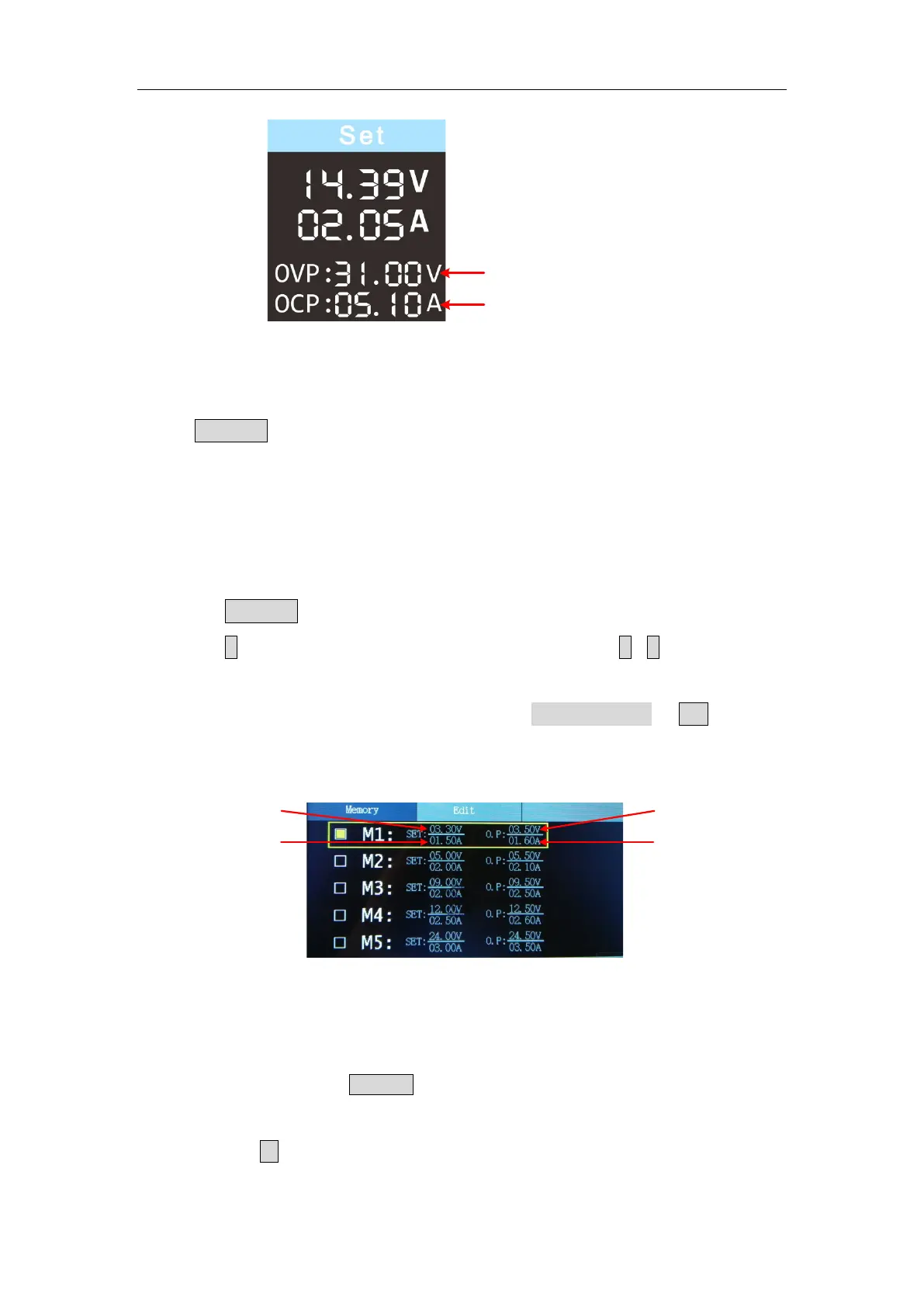
Set values of O.V.P
Set values of O.C.P
3.1.4 Memory key shortcut settings
Press Memory key on front panel, the M1, M2, and M3 keys can store five
sets of channel parameters M1, M2, M3, M4, and M5, respectively, for quick
output.
3.1.5 Quick output
To output a set of parameters from M1 to M5, follow these steps:
(1) Press Memory key on front panel, the shortcut interface will display.
(2) Press
key and shows the yellow select box. Press
/
to move the
select box.
(3) After selecting the certain parameter, press rotary control or OK on the
panel to confirm the input value.
Set values of voltage
Set values of current
S
et values of O.V.P
Set values of O.C.P
3.1.6 Edit
To edit the channel parameters of M1 to M5, follow these steps:
(1) Press the front panel Memory button, the screen displays the quick setup
interface.
(2) Press the
arrow keys to display the editing interface.


 To Next Page