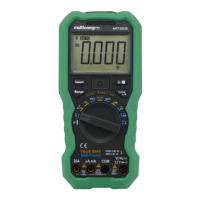
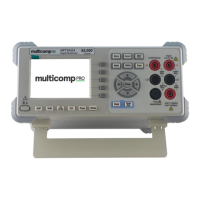
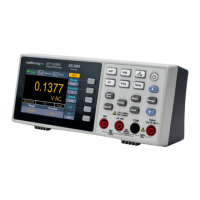
Multicomp-pro
Function Keys
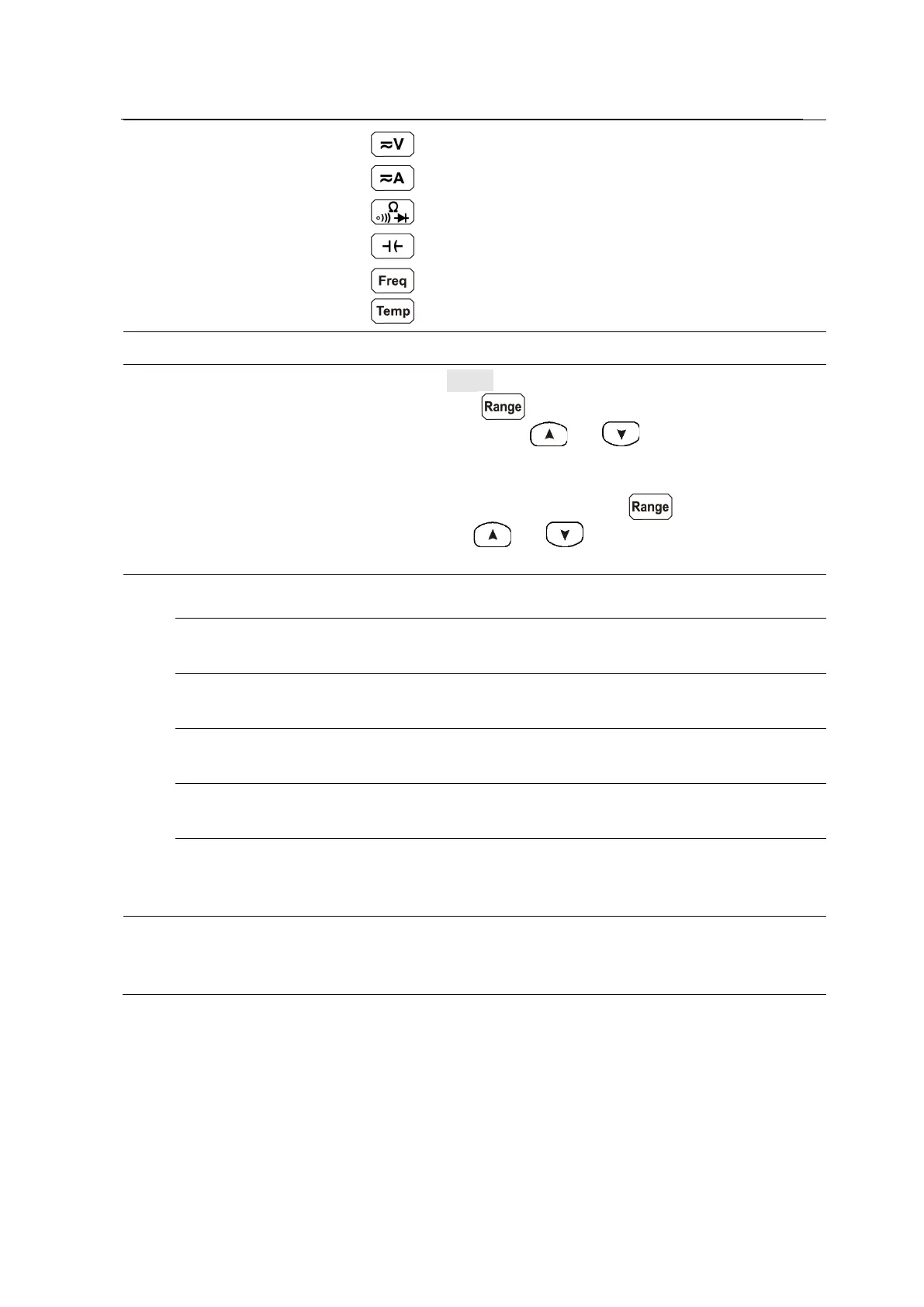
DC or AC voltage measurements
DC or AC current measurements
Resistance, continuity, and diode measurements
Capacitance measurements
Frequency/Period measurements
Temperature measurements
Turn on/off the multimeter.
Keys
When the Range softkey is shown on the right menu, you
can press the key to switch between auto and
manual range. Press or keys to enable
manual range, and increase or decrease the measurement
range.
When setting a parameter, press to move the
cursor, press or keys to increase or decrease
Start or stop auto trigger. When the trigger is stopped, the
displayed data will be held.
Access menus of manual record and auto record.
See page 29, Data Record Function.
Set the auxiliary system function, including Language,
Backlight, Clock, Default, and Serial port.
Perform math operations (Max/Min, dB/dBm) on the
measurement results.
Press this key to display the function list on the right menu,
select a function, if the function is supported, the reading
will be displayed in the Vice Display.
Signal input terminals, used for AC/DC current, voltage,
resistance, continuity, frequency (period), capacitance,
diode, and temperature test measurements.


 To Next Page