Multicomp-pro
Utility Menu
You can set the parameters of the system-related functions and port parameters in utility
menu.
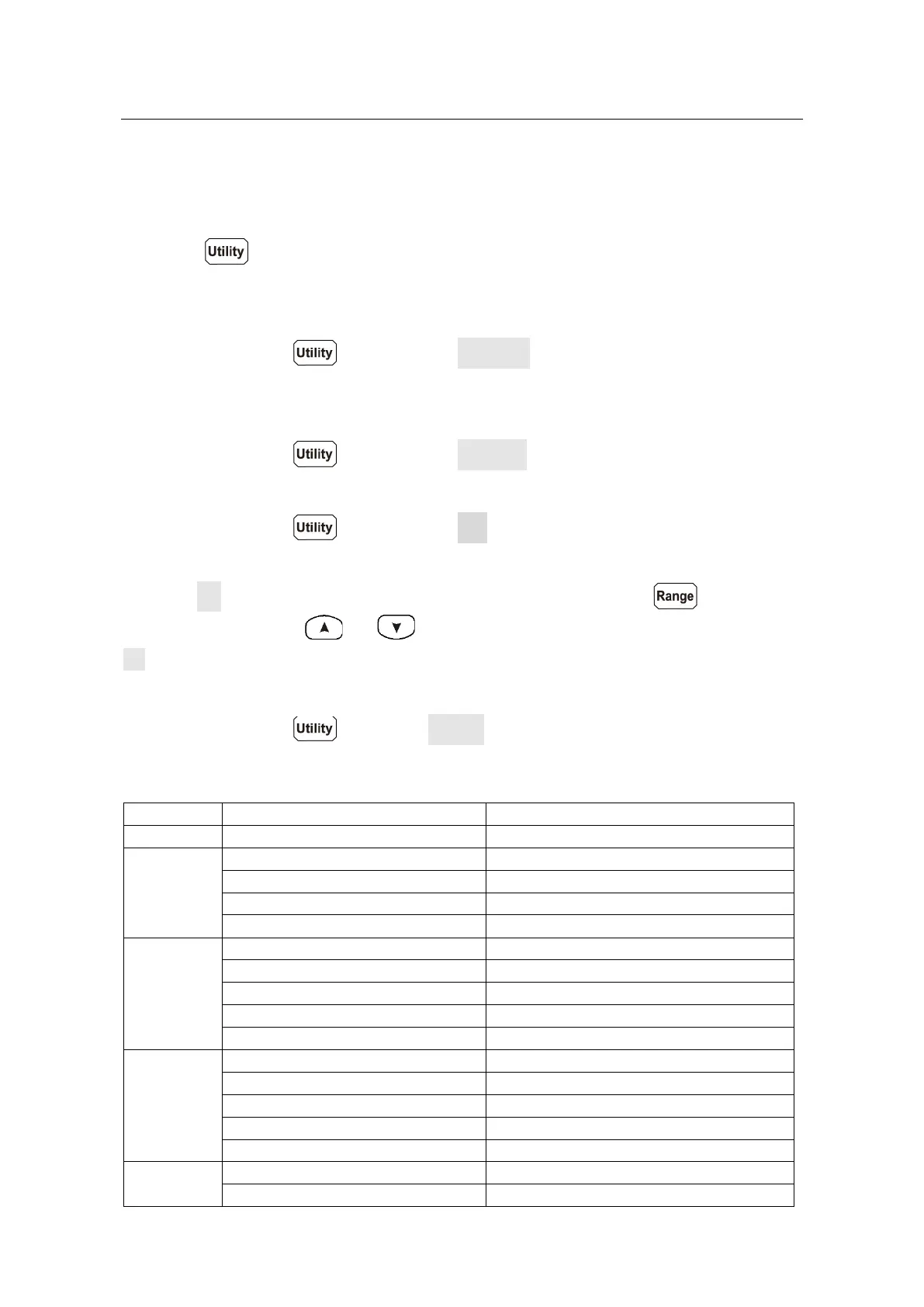
Press the panel key to view the instrument model, firmware version, serial
number, and checksum.
Language
Press the front panel key, press the Language softkey to switch display
languages.
Backlight
Press the front panel key, press the Backlight softkey to adjust the brightness.
Clock
Press the front panel key, press the RTC softkey. The clock menu displays the
date and time. The time always uses a 24-hour format (00:00:00 to 23:59:59).
Press the Set softkey to edit the date and time, Press the front panel key to
move the cursor, press or keys to increase or decrease the value. Press the
OK softkey to finish the clock setting.
Default
Press the front panel key, press Default to restore the multimeter to factory
defaults. The measurement function will be automatically set to DCV.
Factory default settings
Port
Math
Record
Others


 To Next Page