Multicomp-pro
Communication interface settings
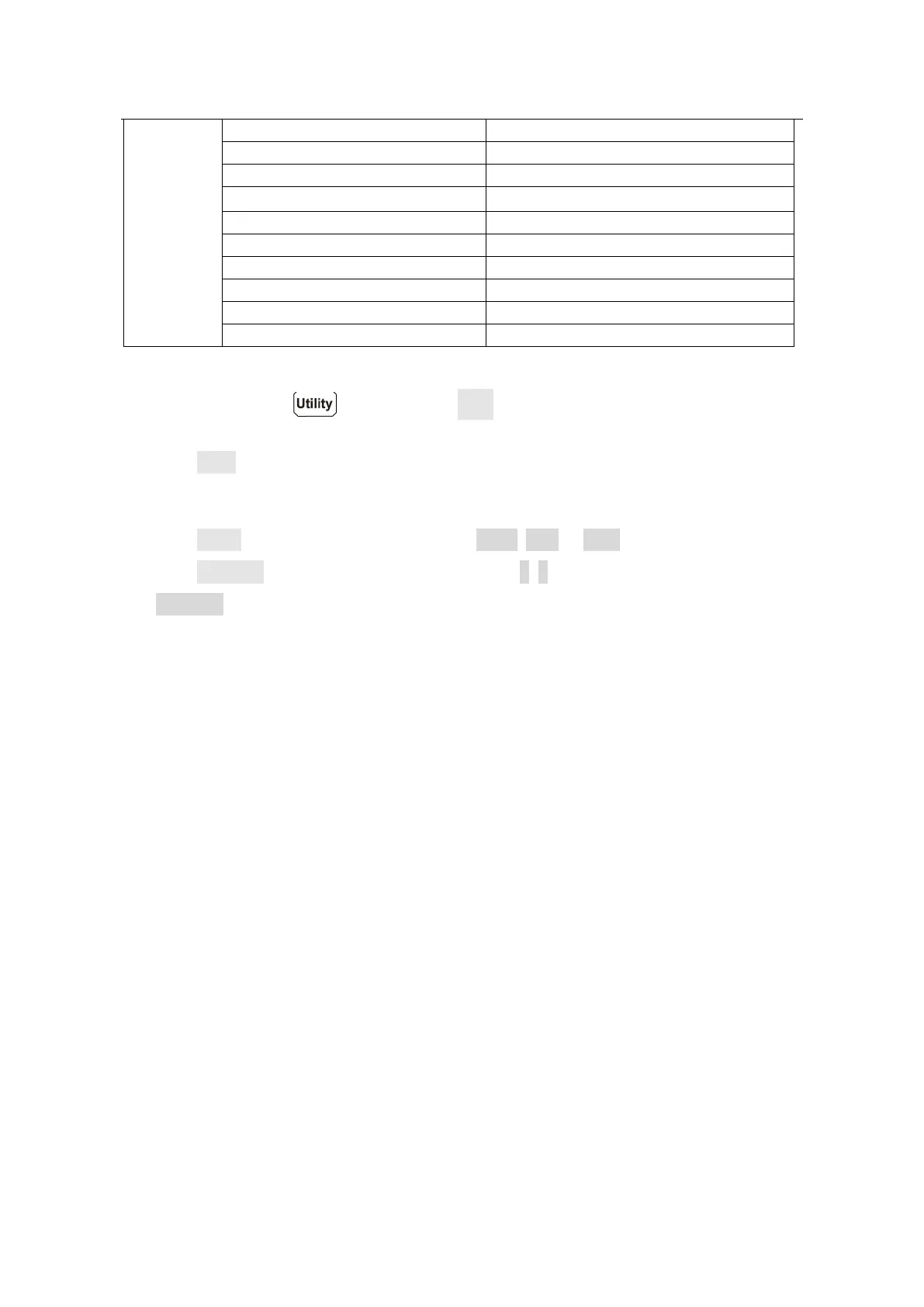
Press the front panel key, press the Next softkey to access the communication
interface setting menu.
Press the Baud softkey to select the desired baud rate from 2400, 4800, 9600, 19200,
38400, 57600 or 115200. The default is 115200. Make sure that the baud rate matches
that of the computer.
Press the Parity softkey, select the parity from None, Odd or Even. The default is None.
Press the Stop Bits softkey, select the stop bits from 1, 2.
The Data Bits is fixed to 8.
℃


 To Next Page