Page - 2
www.multispanindia.com
PROCEDURE TO ENTER/CHANGE SET POINT 1:
PROCEDURE TO ENTER/CHANGE DIAMETER OF ROLLER:
PROCEDURE TO ENTER/CHANGE AUTO RESET TIME
PROCEDURE TO SPEED SELECTION
TOTAL METERS = x D x No. of revolution of the Roller.
TOTAL METERS/MINUTE = x D x Roller speed in RPM.
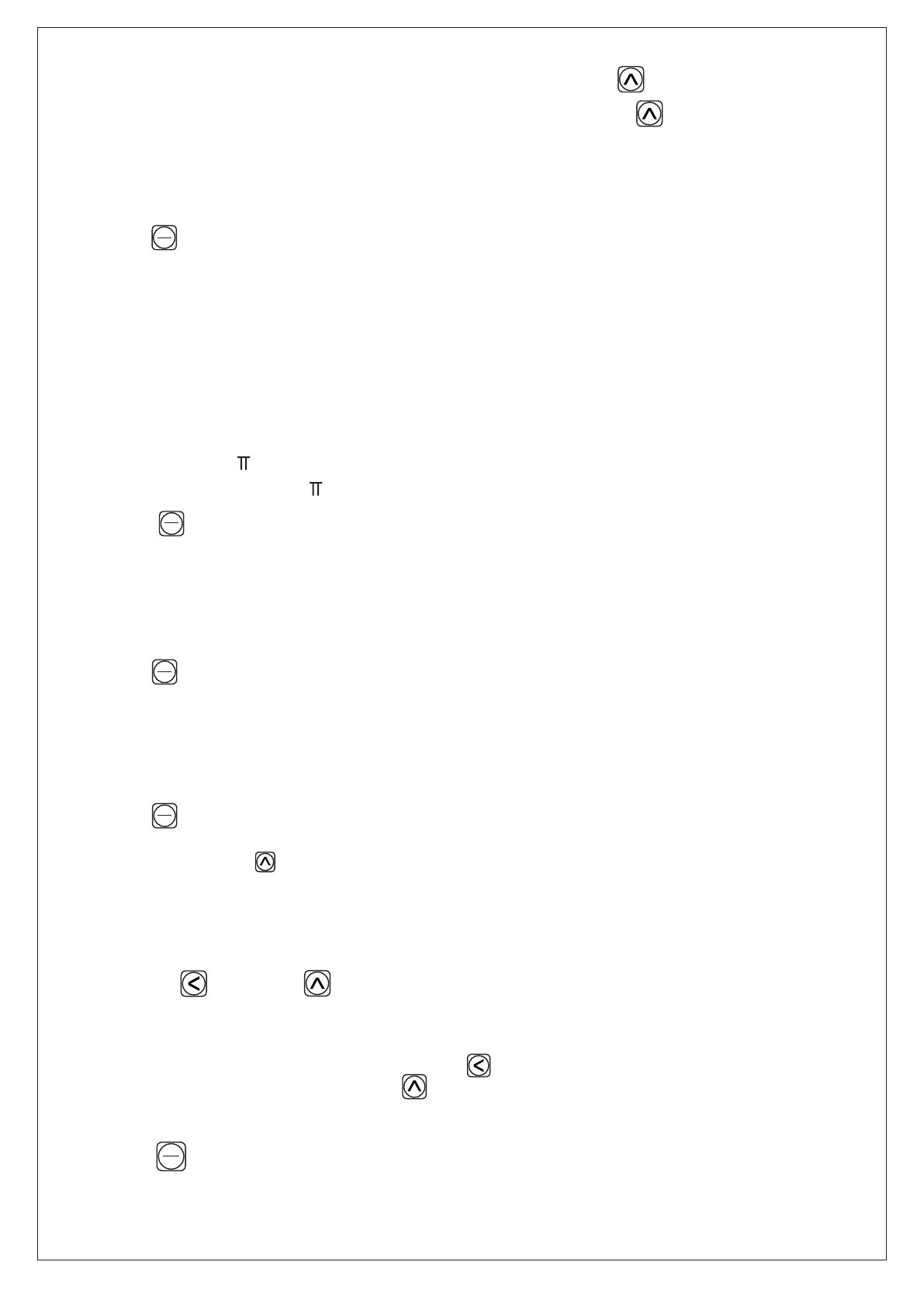
Press key for 2 seconds.
Whenever this instrument is used first time the diameter value of machine roller is to be entered
for that application. From that Diameter the instrument calulates the total length passing over
the roller as explaned below.
Press key for 5 seconds.
Press key for 7 seconds.
Press key for 9 seconds.
Here maximum limit is 99999.9 meter.
Here maximum limit is 999.99 mm
Here maximum limit is 99.9 seconds.
You can change by key to speed selection.
Change current value of set point by following PROCEDURE (4).;
Change current value of set point by following PROCEDURE (4).
Change current value of set point by following PROCEDURE (4).
Display will show SETmtr 1.
Display will show DIAMTR
Display will show tIME
Display will show MEDIUM
Operation:
*
*
*
*
*
*
*
*
*
*
*
*
*
*
*
SET
SET
SET
SET
ENT
ENT
ENT
ENT
SET
ENT
PROCEDURE :
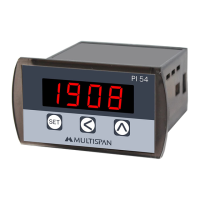
The 6 digit setting is done with the help of two keys.
Shift key selects the digit to be modified.
A blinking dot indicates the selected digit.
UP key is used to set the selected digit.
If any key is not pressed for 5 seconds, the previous value of set point is retained and counter goes
in to control mode.
Press key to store set value in memory, Simultaneously count goes in control mode
Shift the dot to a digit you want to change, by key.
Increase the value of selected digit by key.
Shift key and UP Key
*
*
*
*
*
*
*
*
*
D) Speed Selection: (Medium/Slow/Fast) (Speed Selection by key)
E) Decimal Point: 9999.99,99999.9,999999 (DP change by key)


 To Next Page