SPECIFICATIONS AND RELATED INFORMATION
18 Conduit
®
Base Station IP67 Getting Started Guide for Versions 1.5 and 2.1
LED Programming Notes
mPower LED Notes
For mPower models
The default state of the L1 and L2 LEDs depends on the cellular connection (connected/disconnected) and
signal strength.
To change the LED behavior modify the script /sbin/led_cd_ss.
mLinux LED Notes
For mLinux models
The default state of the L1 and L2 LEDs is off.
Users control L1 and L2 LEDs as follows:
For L1:
Turn L1 Green mts-io-sysfs store led-cd 1
Turn L1 Red mts-io-sysfs store led-sig1 1
Turn L1 Off mts-io-sysfs store led-cd 0
AND
mts-io-sysfs store led-sig1 0
For L2:
Turn L2 Green mts-io-sysfs store led-sig2 1
Turn L2 Red mts-io-sysfs store led-sig3 1
Turn L2 Off mts-io-sysfs store led-sig2 0
AND
mts-io-sysfs store led-sig3 0
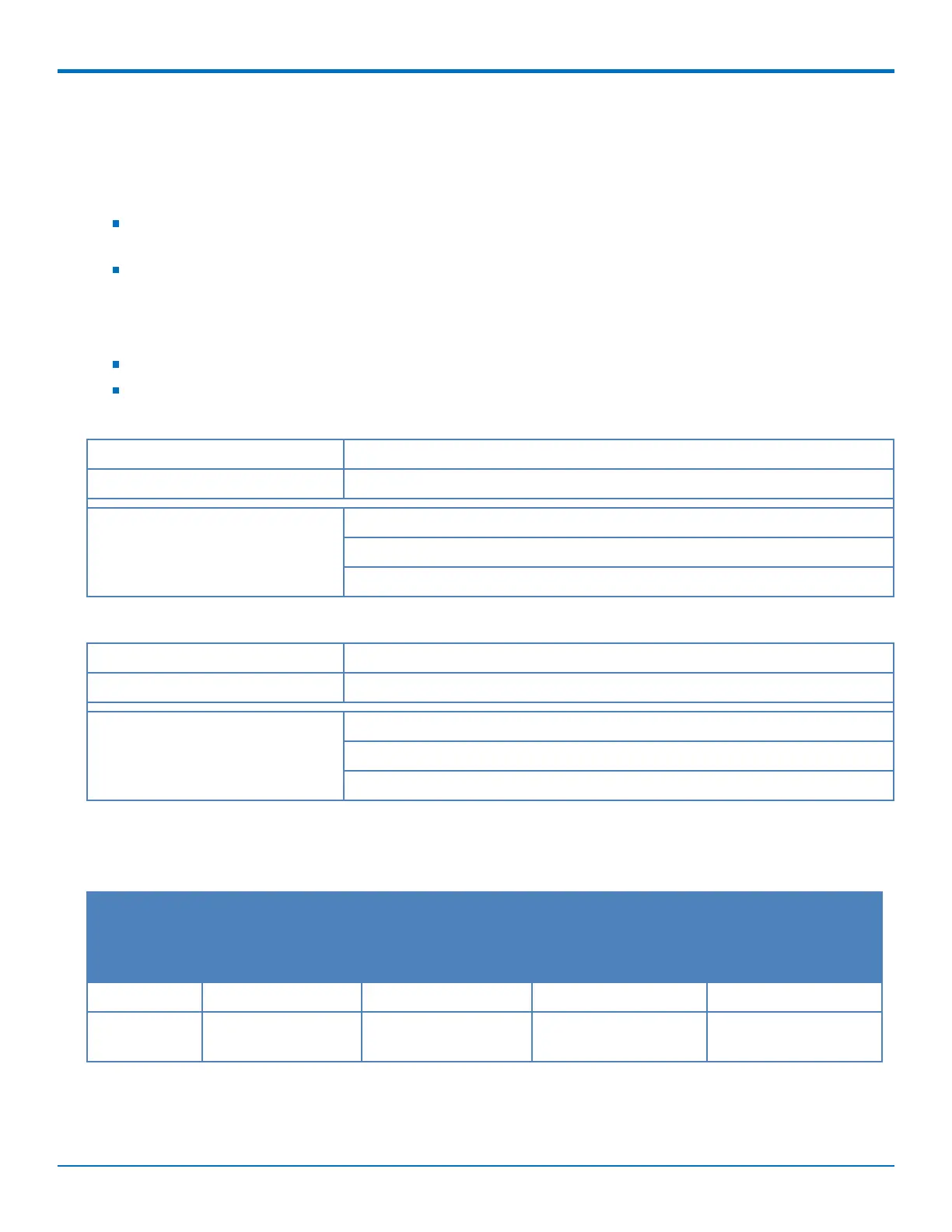
V1.5 Power Draw
Power draw for model MTCDTIP-LAT3-267A-915/2 with two LoRa cards and an LTE radio with power over Ethernet:
Voltage Cellular Call Box
Connection No Data
Measured Current at
Maximum Power
1
TX Pulse
2
(AVG)
Amplitude Current for
GSM850 or Peak
Current for HSDPA
Total Inrush Charge
3
Measured in
MilliCoulombs
56.0 68 mA 187 mA 256 mA 213 mC
42.0 (Safety
testing limit)
88 mA 246 mA 316 mA 230 mC
Note:


 To Next Page