MultiTech Conduit Edge SDK Installation and Setup Guide
Configuration and Setup
Configure the MultiConnect Device
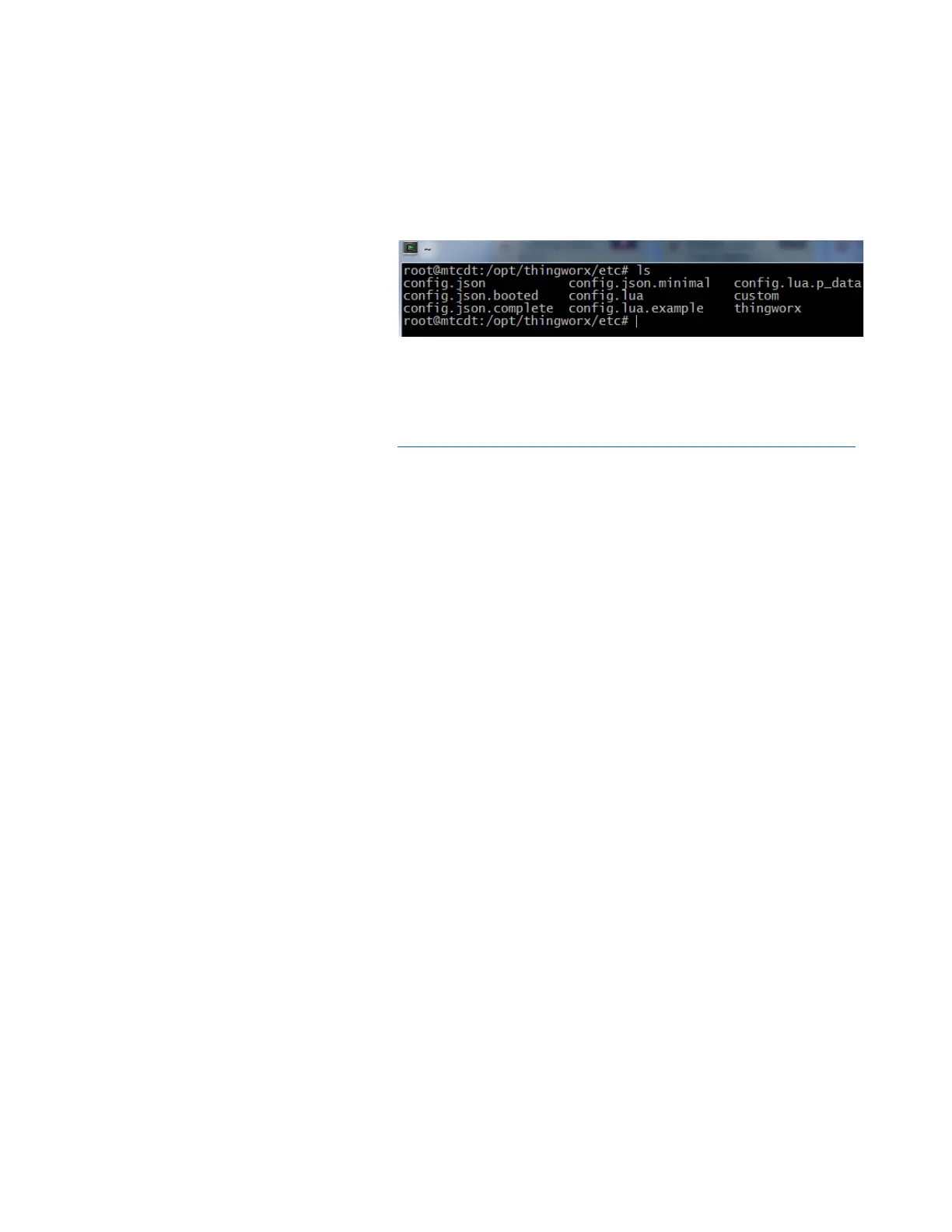
On the MultiConnect, navigate to the
thingworx installation directory, and
then navigate to the /etc/ directory.
Your working directory should now
be something similar to:
/
op
t/
th
in
g
w
o
r
x/et
c
Locate the “config.json” file.
You will need to modify the
connection parameters in this file so
that they match the connection
parameters of your ThingWorx
instance.
Note: For additional guidance and examples on setting a
configuration file, please refer to
http://support.ptc.com/cs/help/thingworx_hc/thingworx_6.0_hc/
and follow the guide section entitled “ThingWorx WebSocket-
based Edge MicroServer (WSEMS)”
The
config.json.complete
file is also
available in this install directory for
reference.
Edit the config.json so that it
resembles the file at right (text
included for your convenience), but
fill in your specific information.
{
"http_server": {
"host": "127.0.0.1",
"port": 8000
},
"ws_servers": [{
"host": "192.168.2.30",
"port": 80
}],
"appKey": "YOUR APPKEY HERE",
"resource": "/Thingworx/WS",
"logger": {
"level": "DEBUG"
},
"auto_bind": [{
"name": "MyGateway",
"gateway": true
}],
"ws_connection":{
"encryption": "none",
"verbose": true,
"msg_timeout": 1000
}
}
Save and close the config.json file.
Verify that the “wsems” executable is
located in the top level “thingworx”
folder. (/opt/thingworx)


 To Next Page