MOUNTING THE DEVICE
30 MultiConnect
®
Conduit
TM
AP MTCAP User Guide for Europe
Chapter 8 – Mounting the Device
Mounting the Device
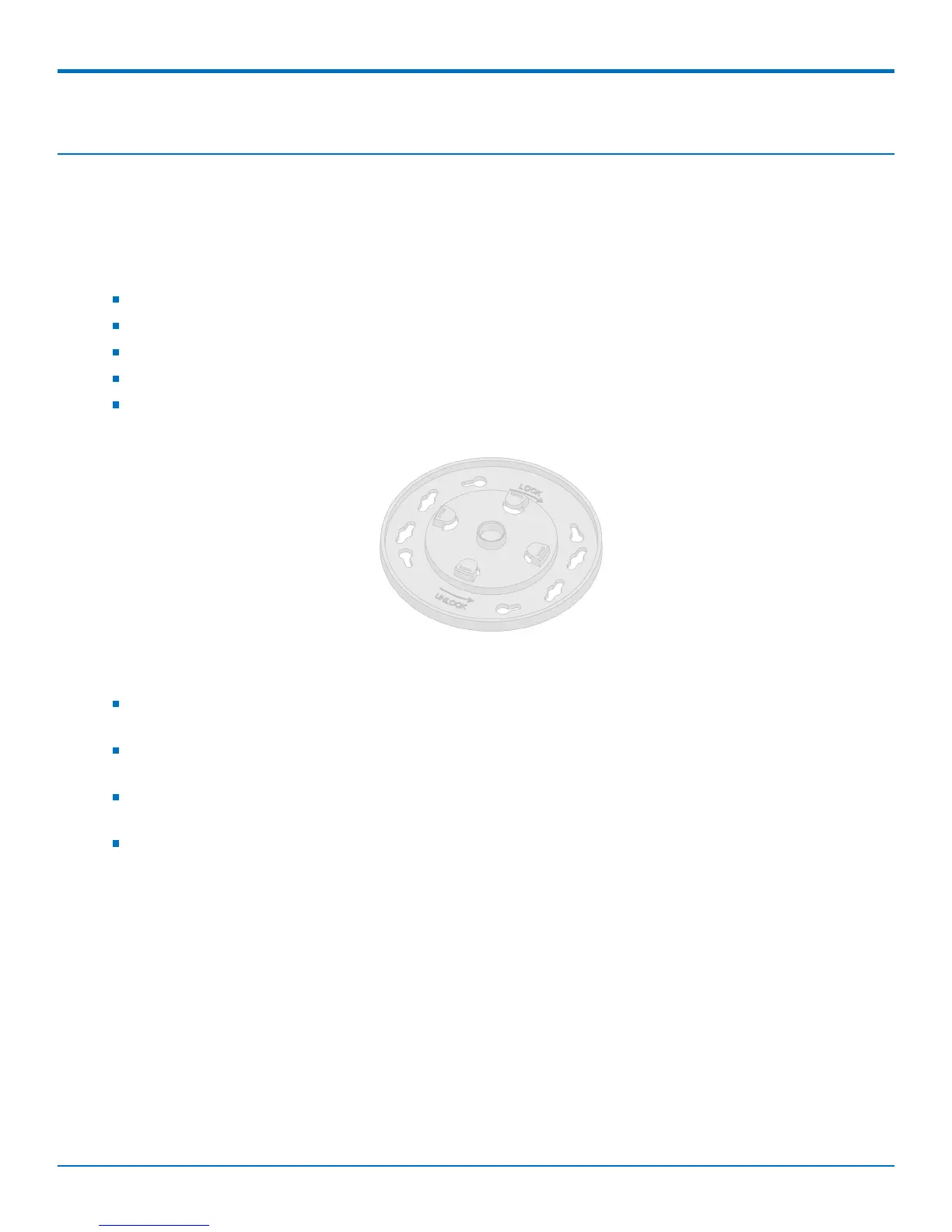
The device ships with a mounting bracket.
You will need
Mounting bracket
MTCAP
Four #6 screws, with anchors (not provided)
Screwdriver
Drill
Mounting Bracket
Determining Location for the MTCAP
Select a location that is central to all the devices you want to connect to this MTCAP. Place the device as
high as possible, such as near the top of a wall.
Avoid obstructions. Thick walls and reflective surfaces, such as metal, weaken the signal between the
MTCAP and other devices.
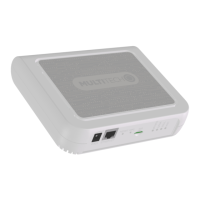
Note the location of the LoRa antenna in the following image. The signal will be strongest radiating from
that side of the device. The LoRa antenna is 31.2 mm long.
The LoRa antenna is an omni-directional antenna, but for best results, mount the device so the LoRa
antenna is in a vertical position near the top of a wall. We recommend conducting a site survey to test the
signal strength in different locations before you mount the device.



 To Next Page